


AI-native project and financial management
See where every project stands, right now.
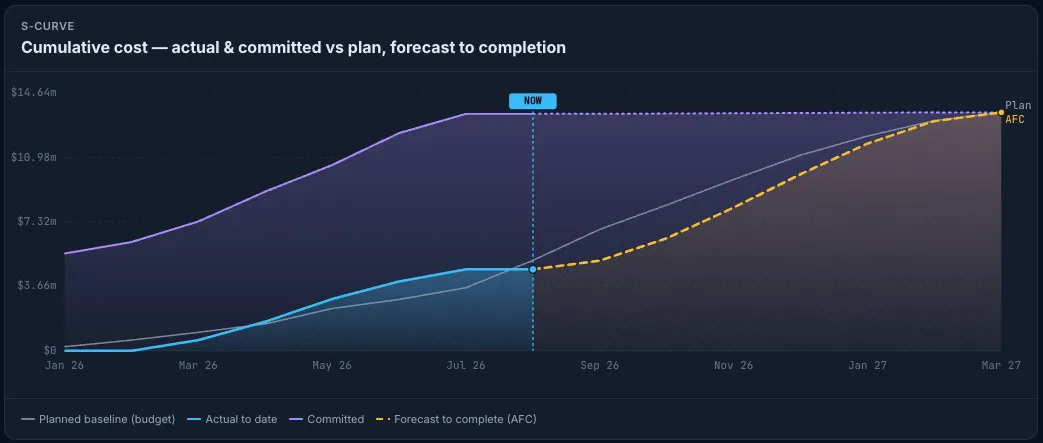
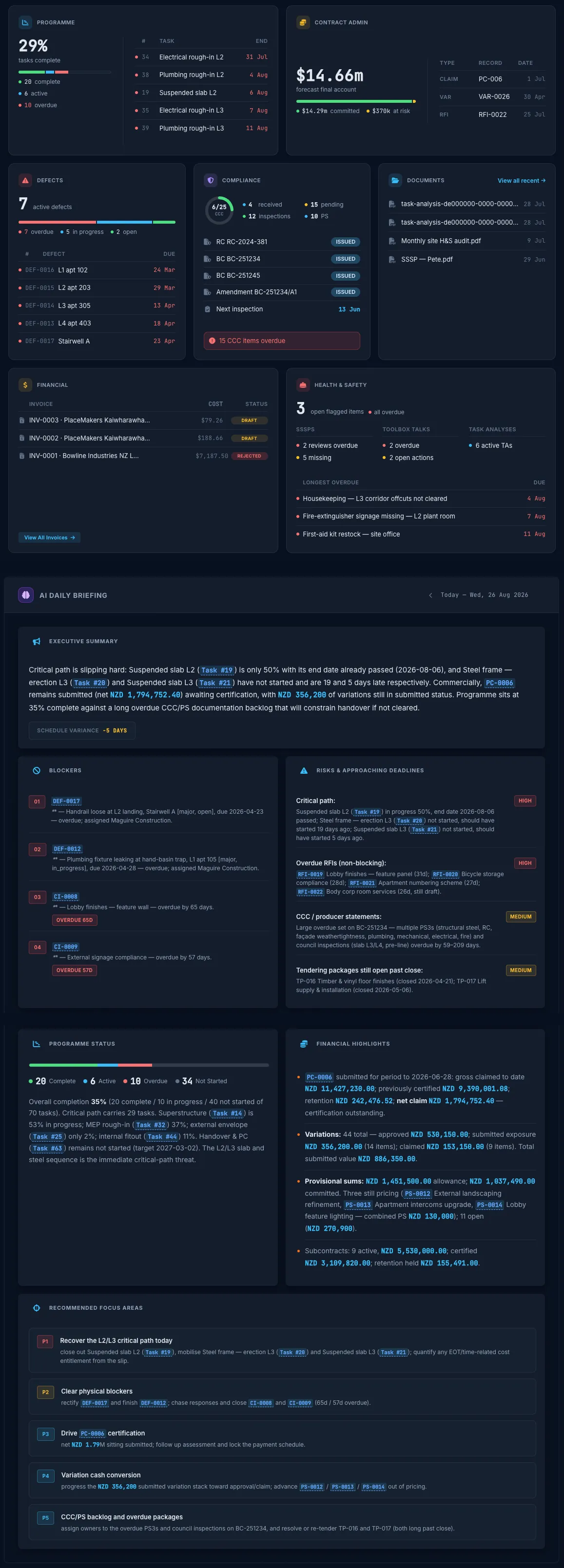
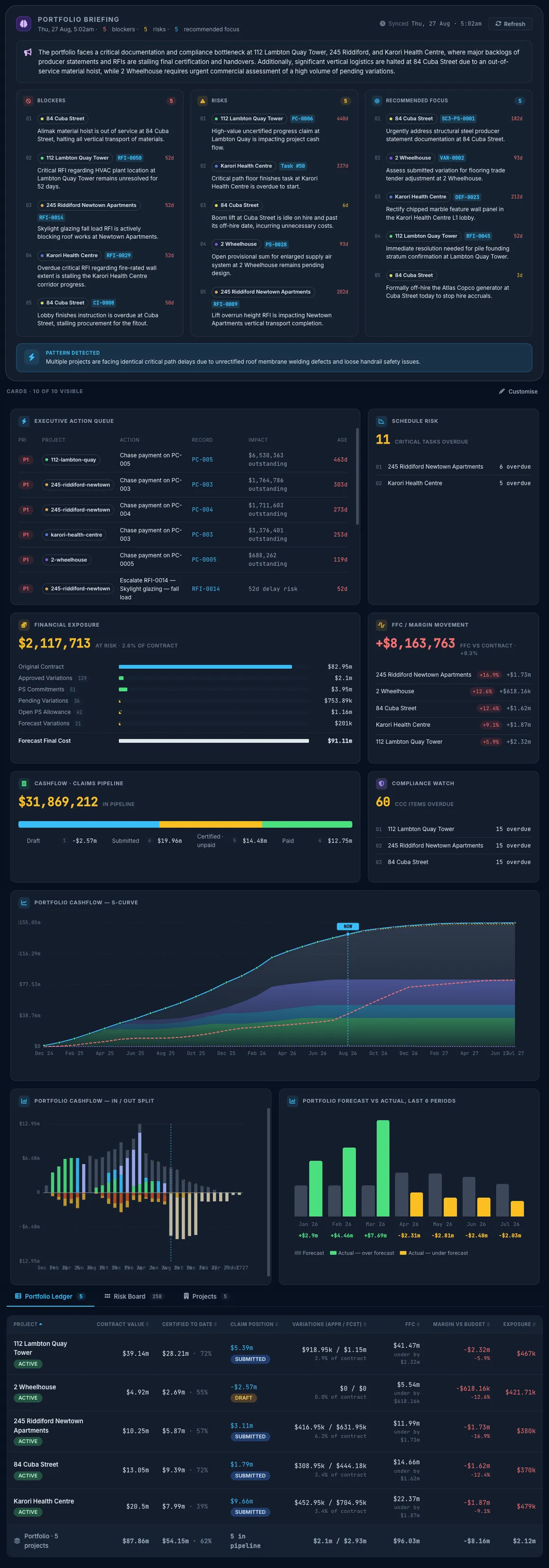
Cost, programme, variations and claims, live from everyone on the job, from the client QS to the labourer. Spot the overrun on the day, not in the monthly report.
Truvect AI does the work: it reads the claims, matches the invoices and watches cost and programme. Your people make the calls.


“This is the most cohesive and complete project and financial management tool I have ever seen.”
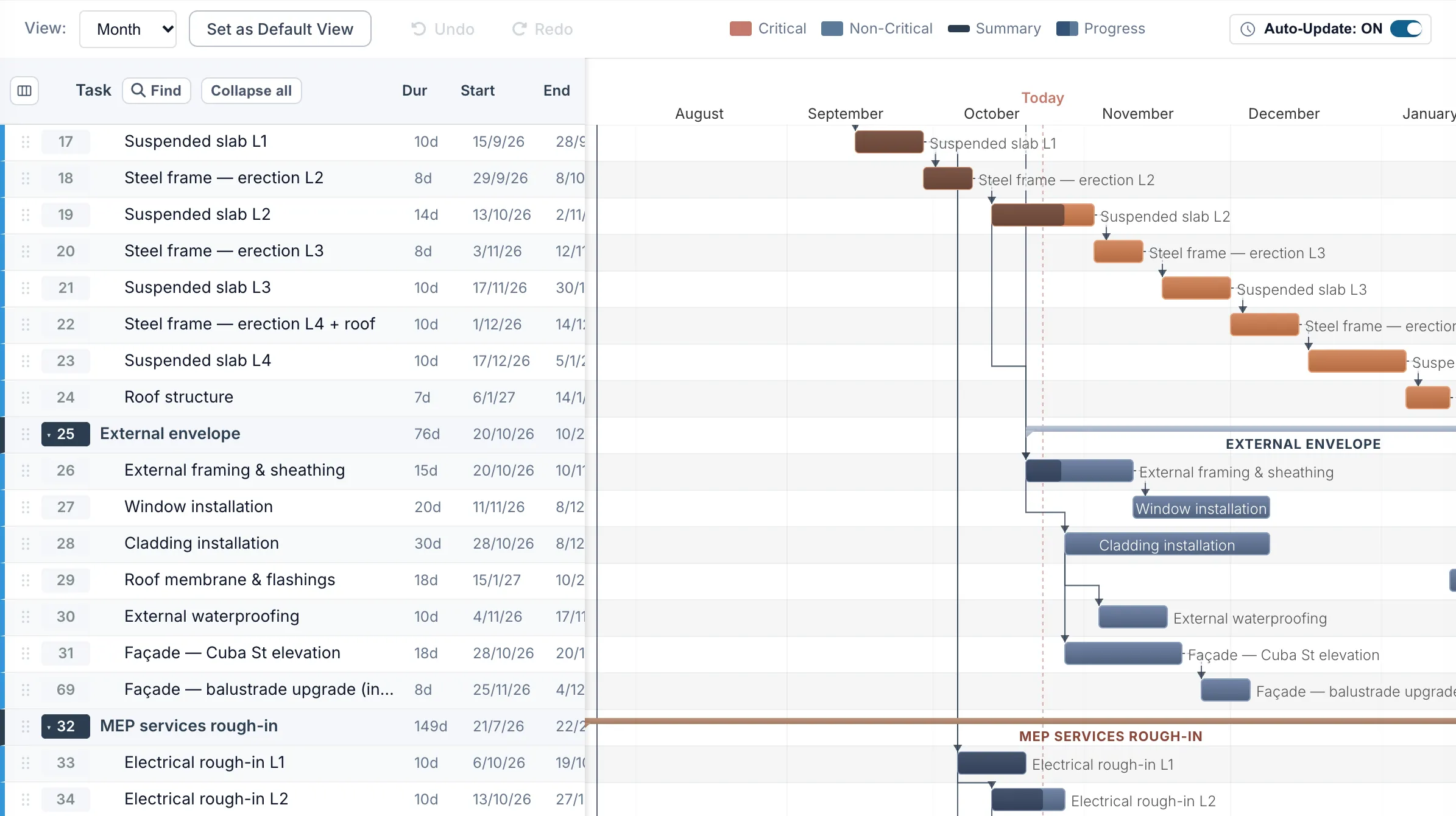
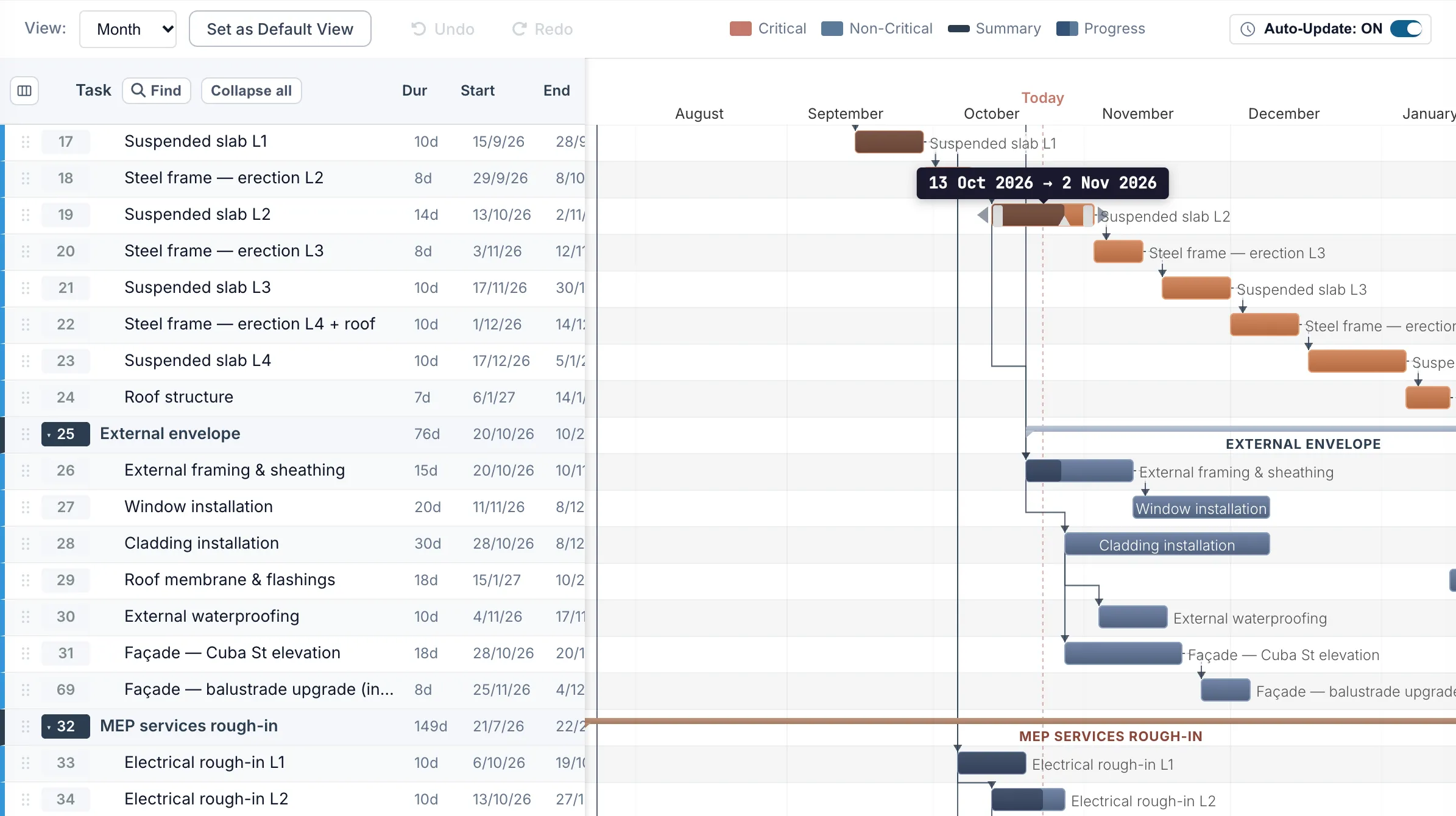
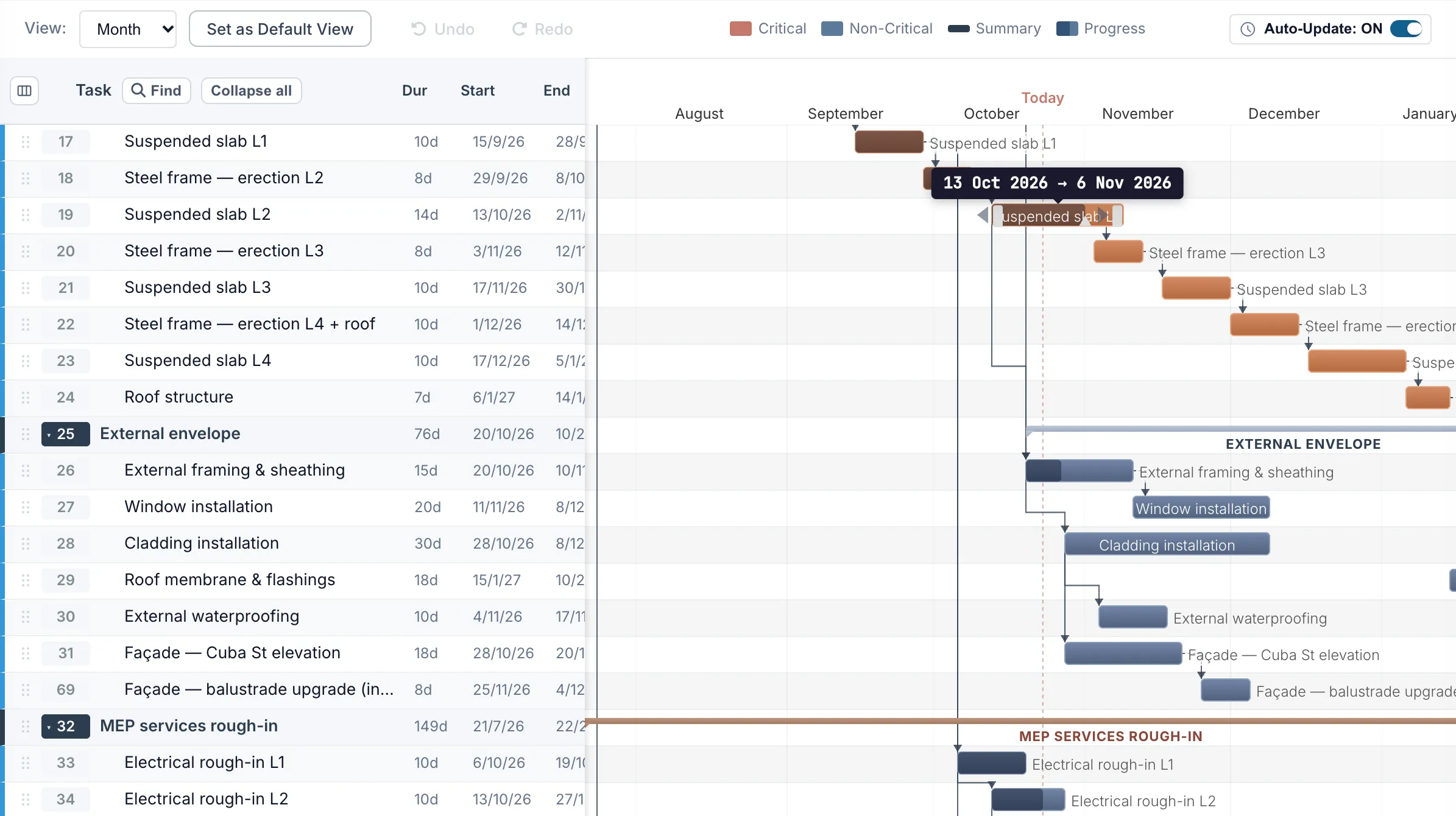
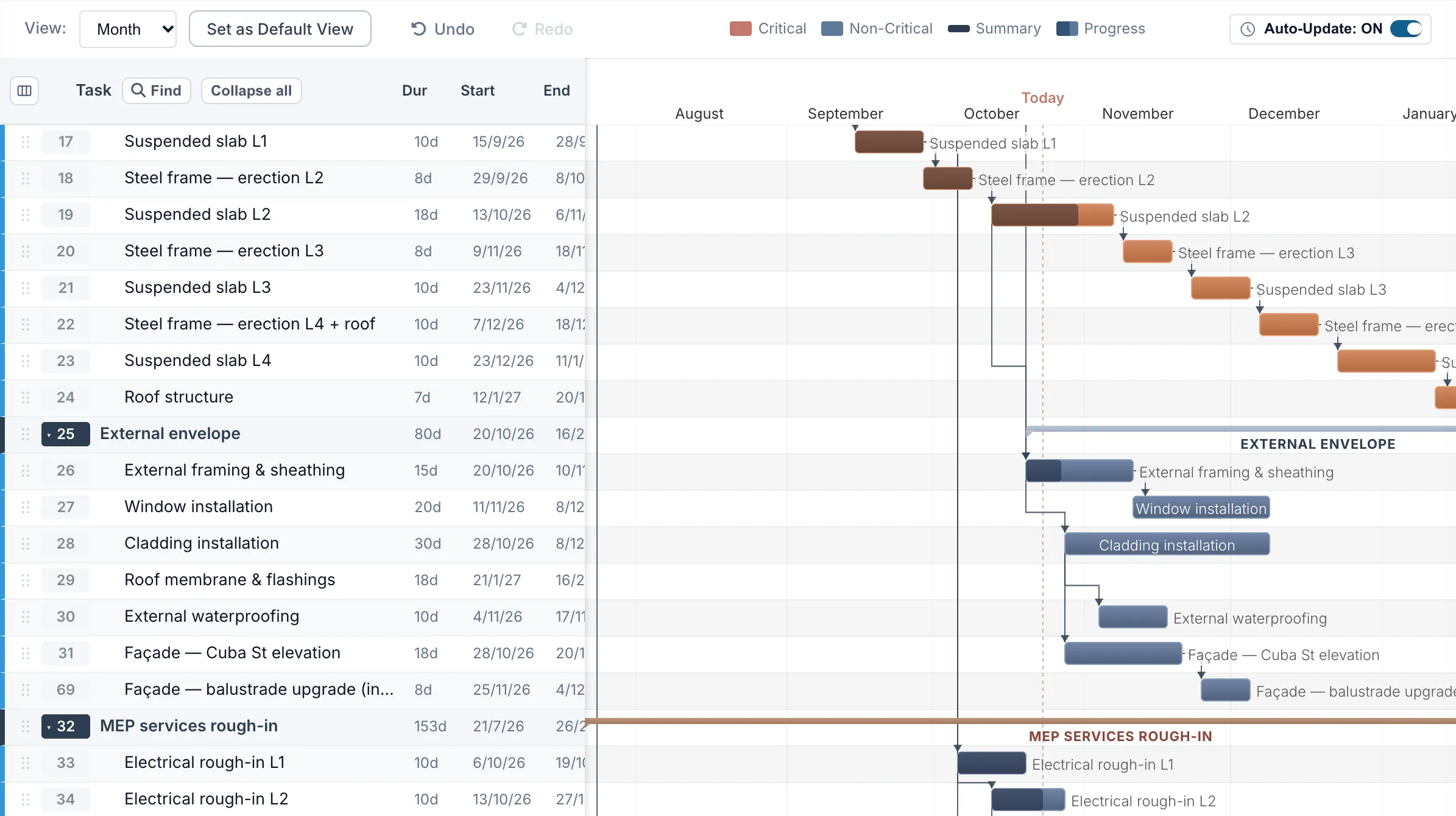
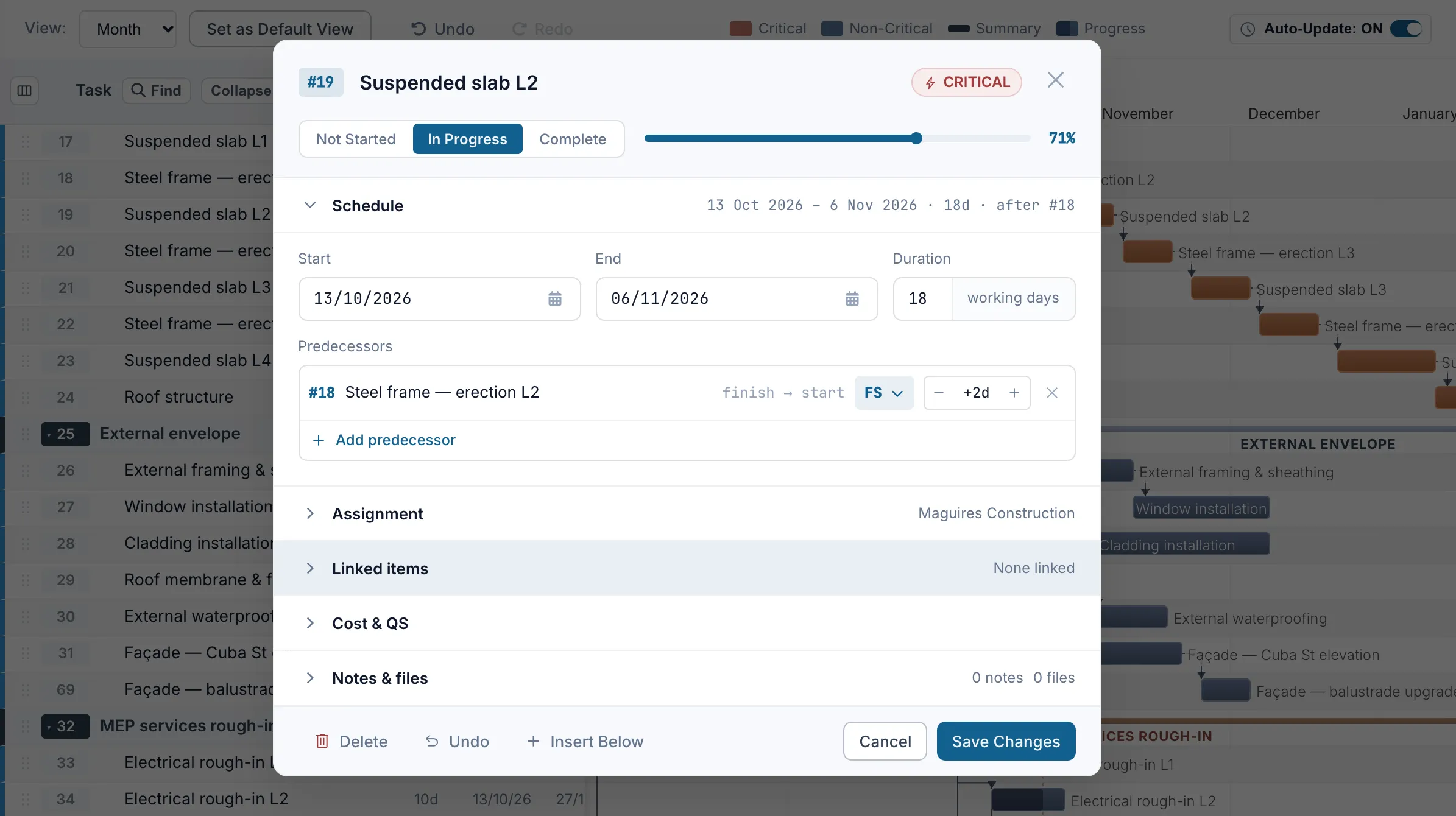
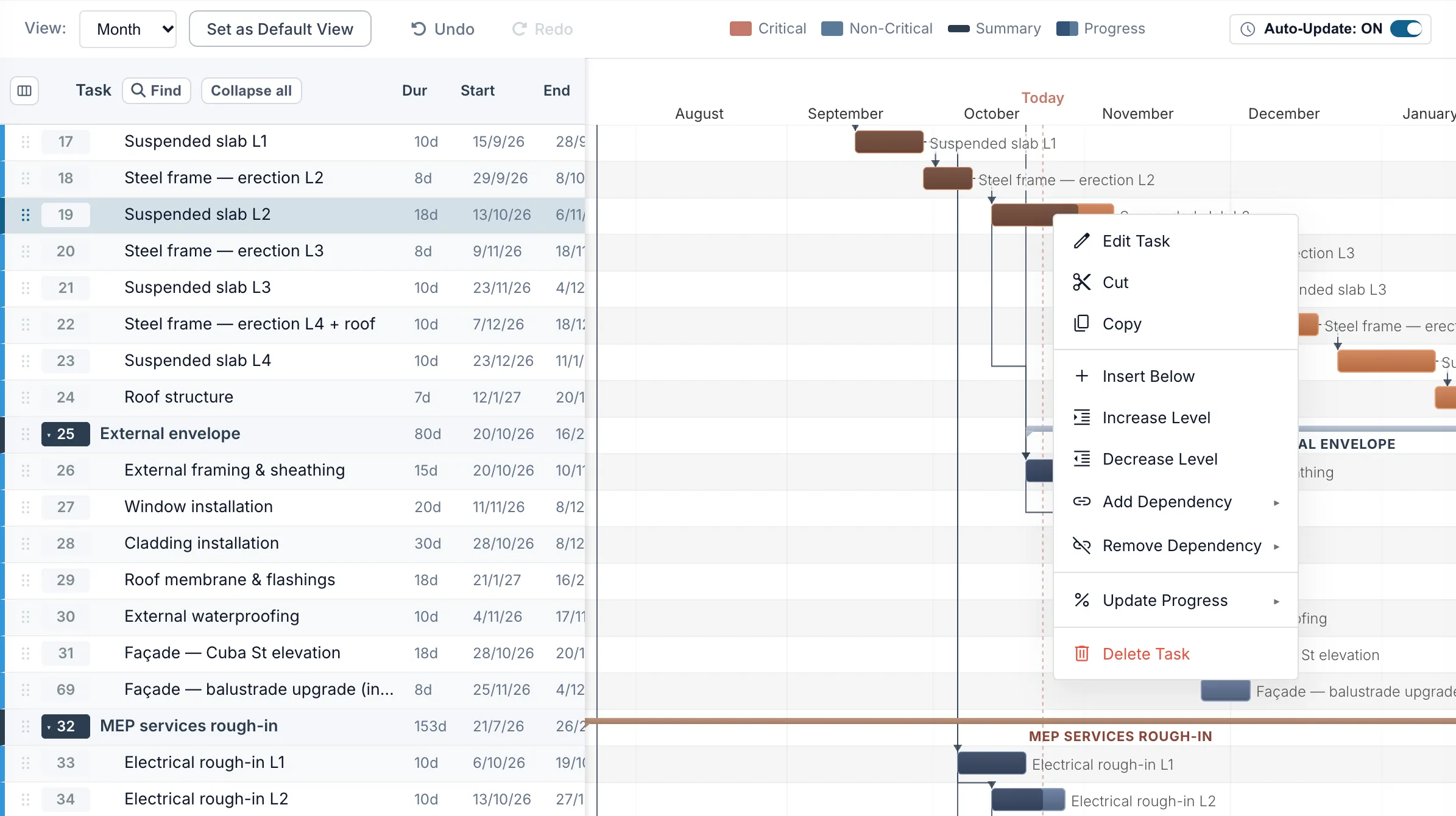
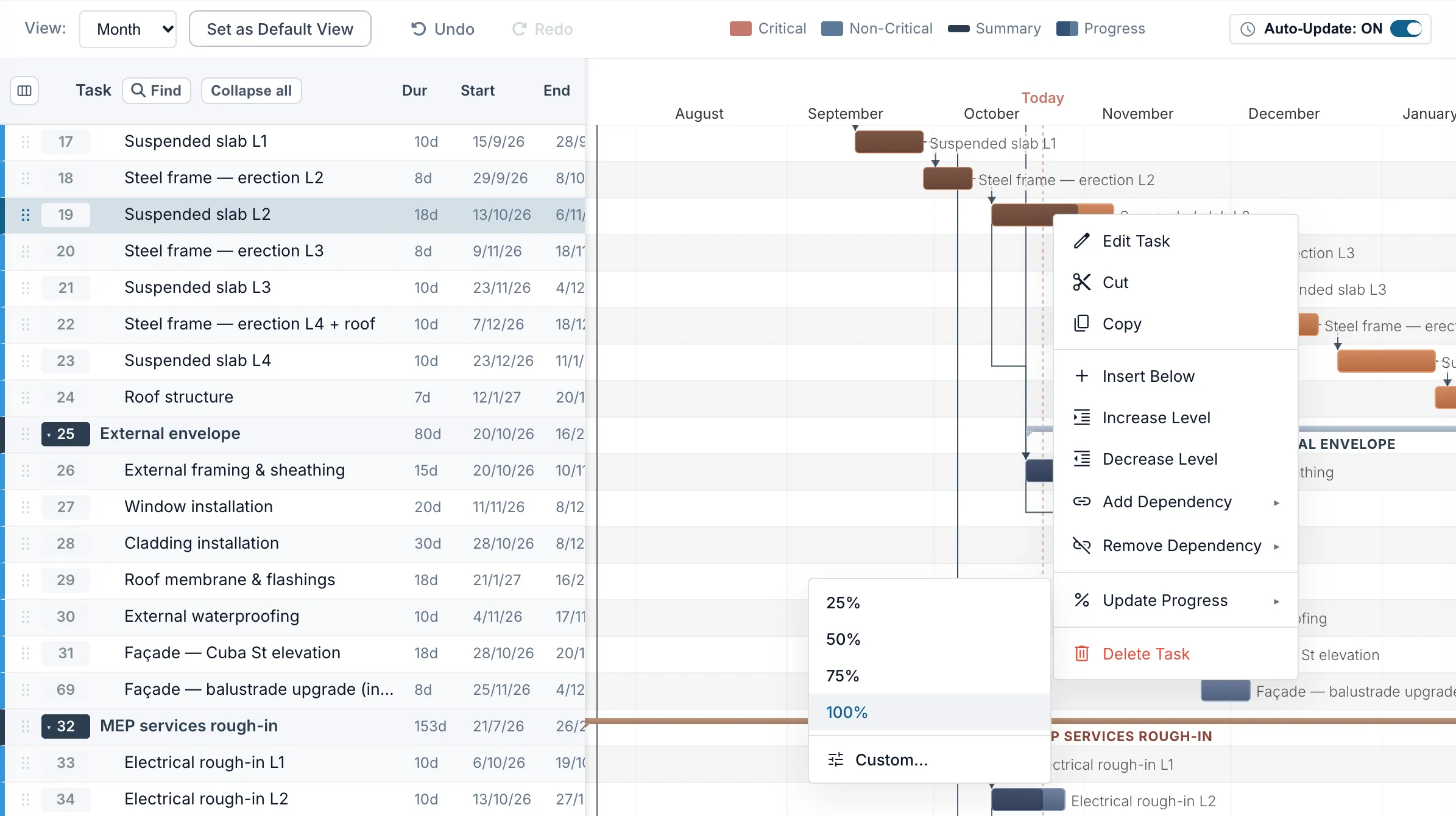
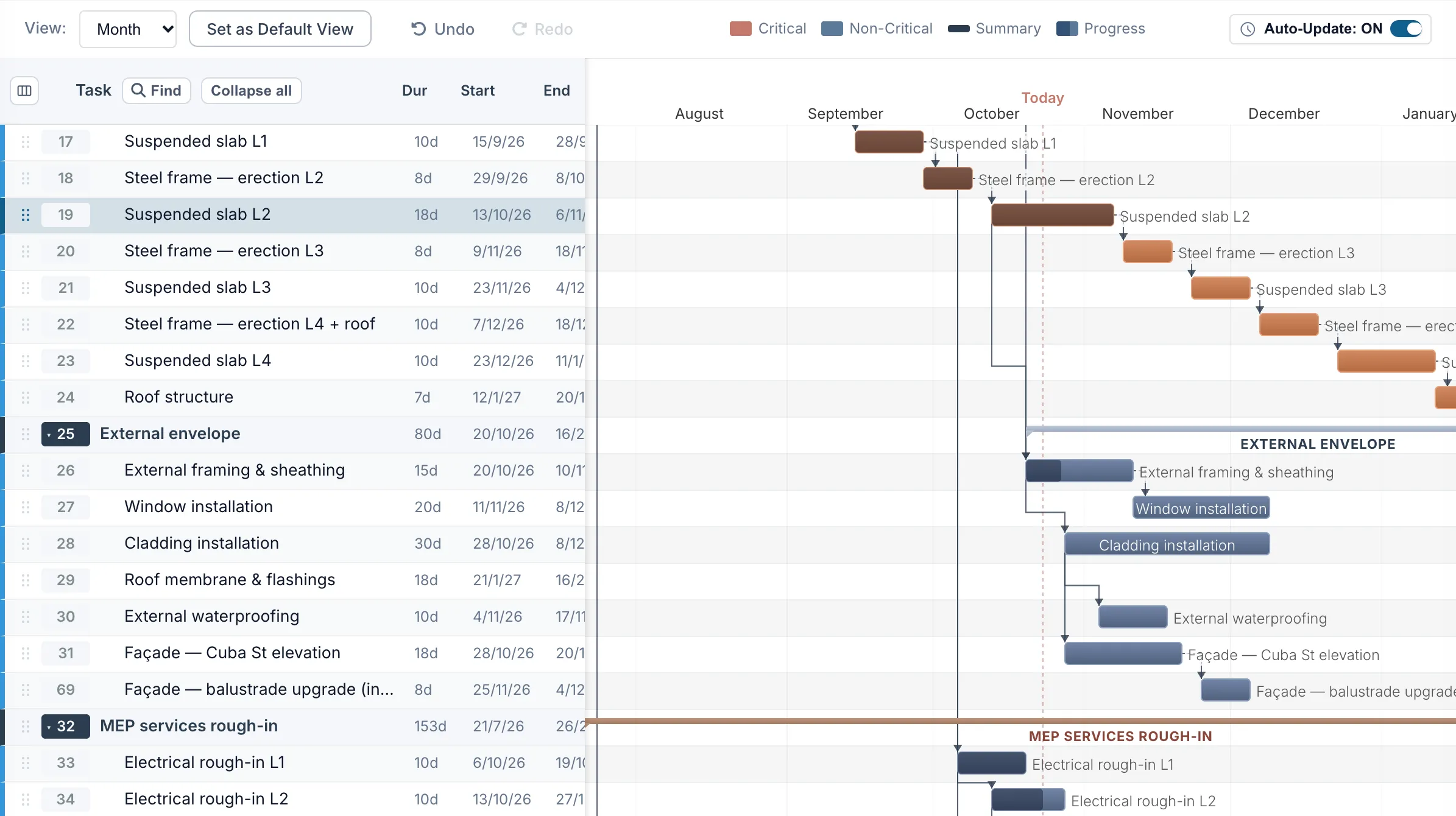
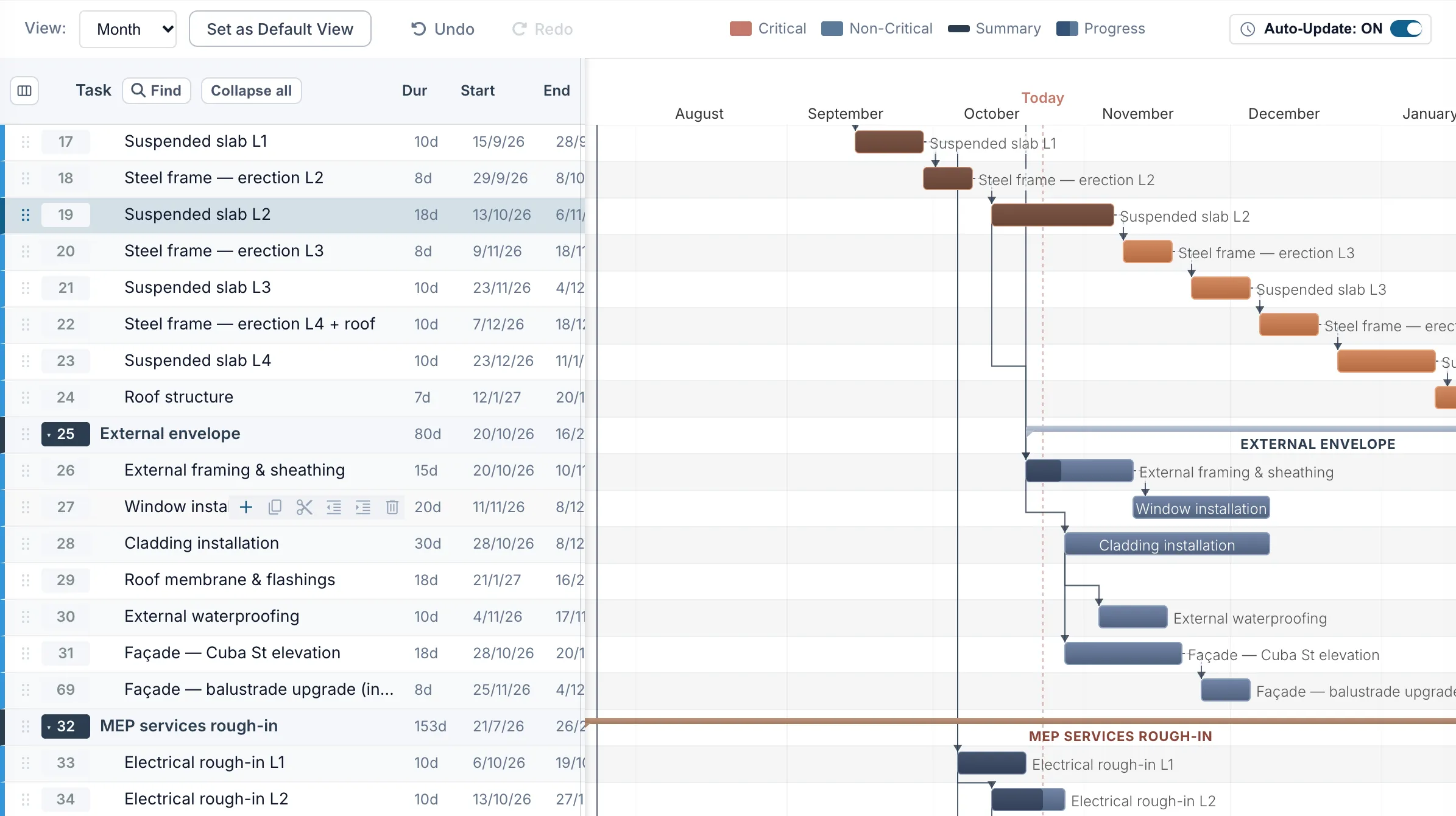
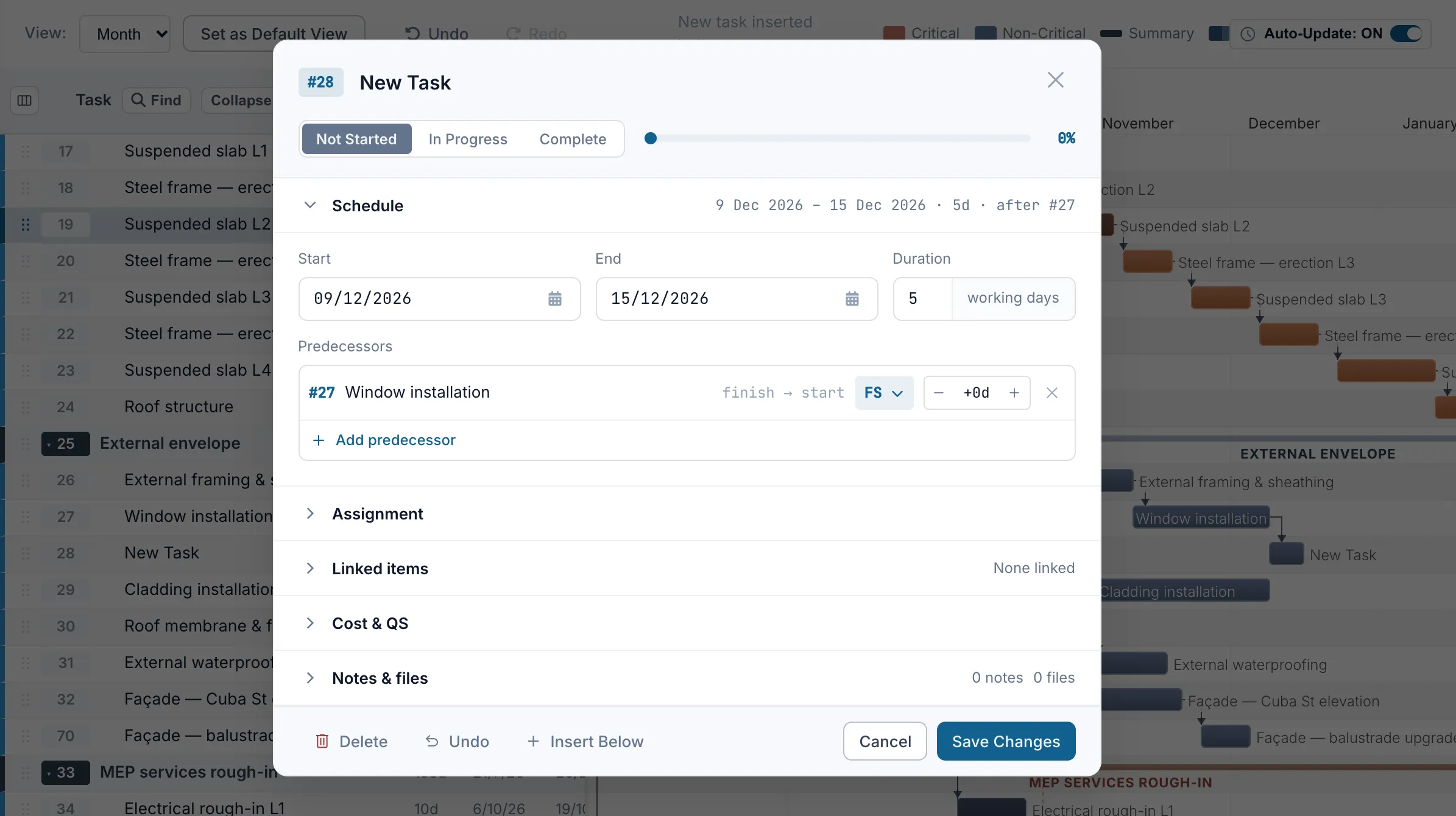
Move a task to what happened on site. Truvect recalculates linked activities, downstream dates and the critical path, and the whole team sees the change.


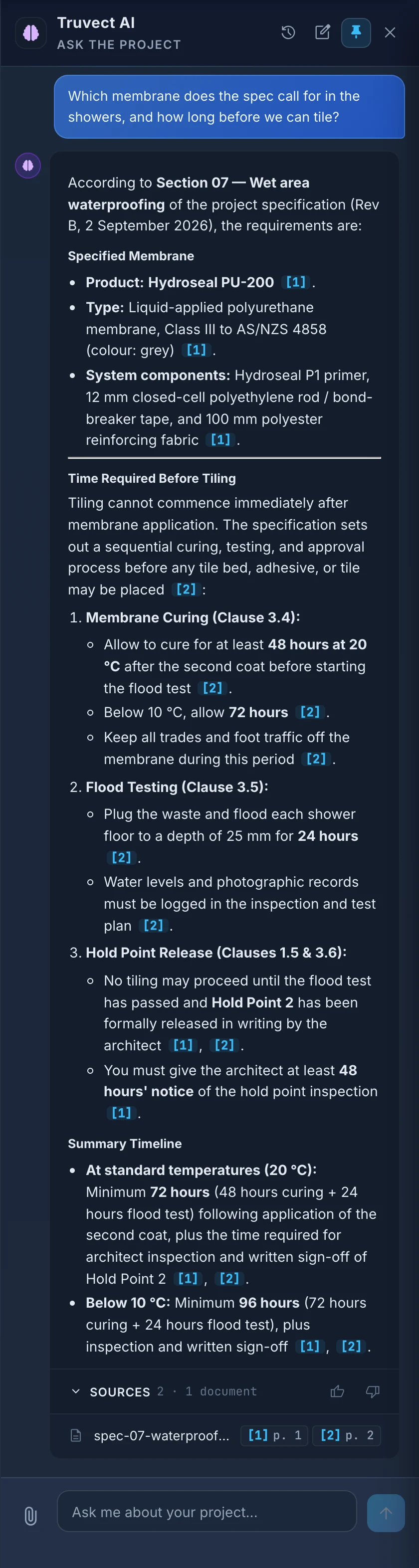
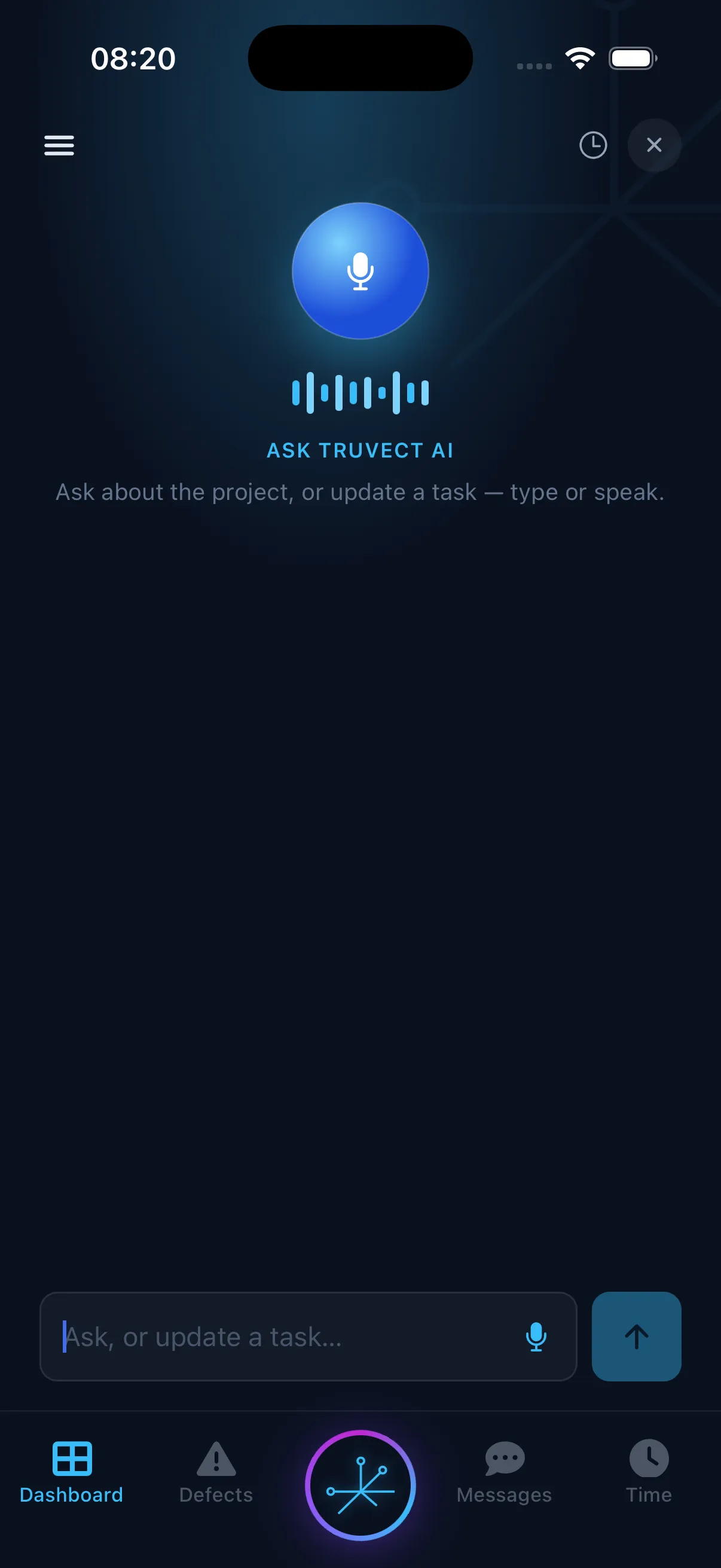
Truvect AI reads invoices, bids, drawings and safety plans, answers questions from your live project records, and drafts the next step. It shows where every answer came from, and no record is saved until someone on your team confirms it.
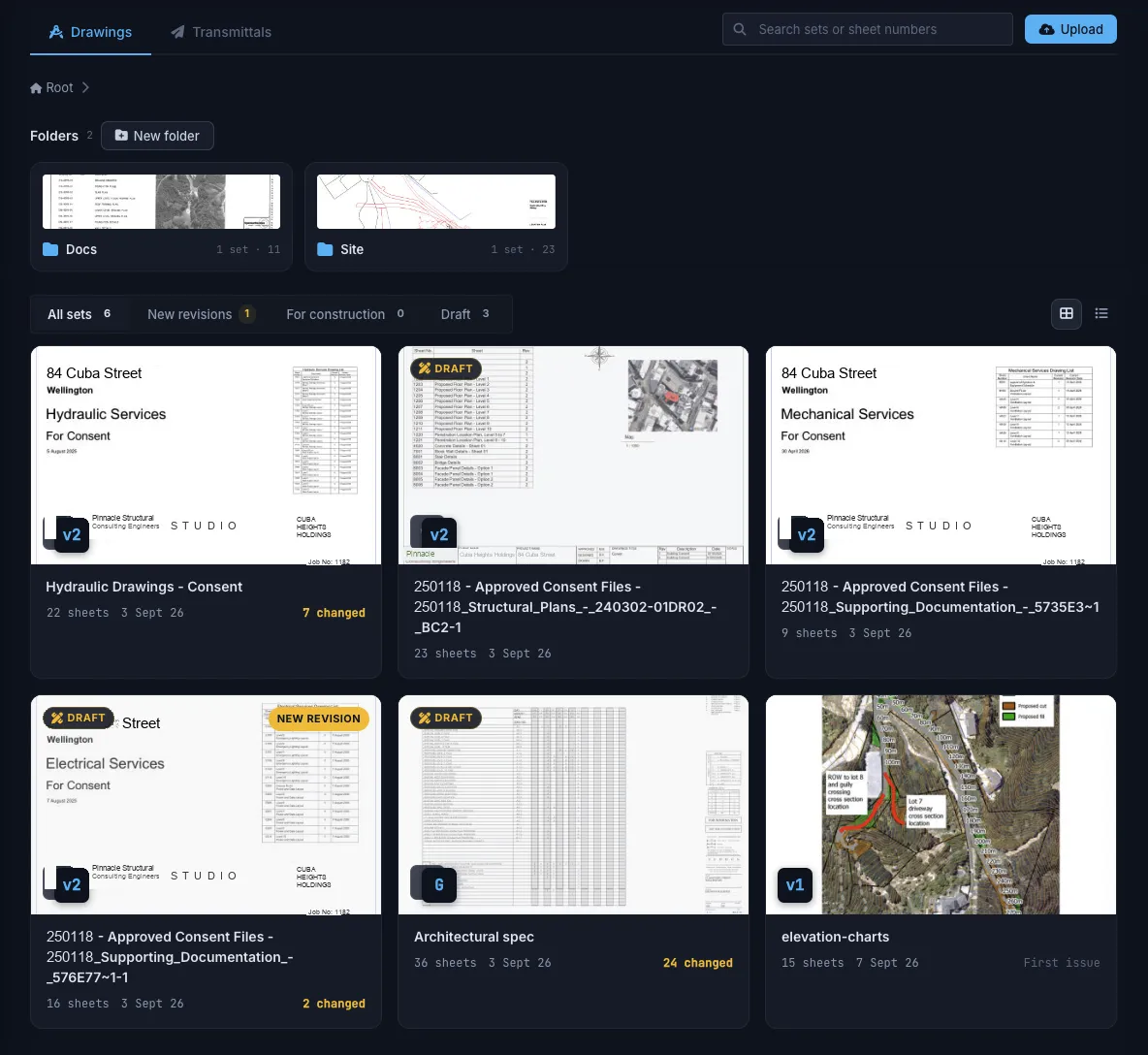
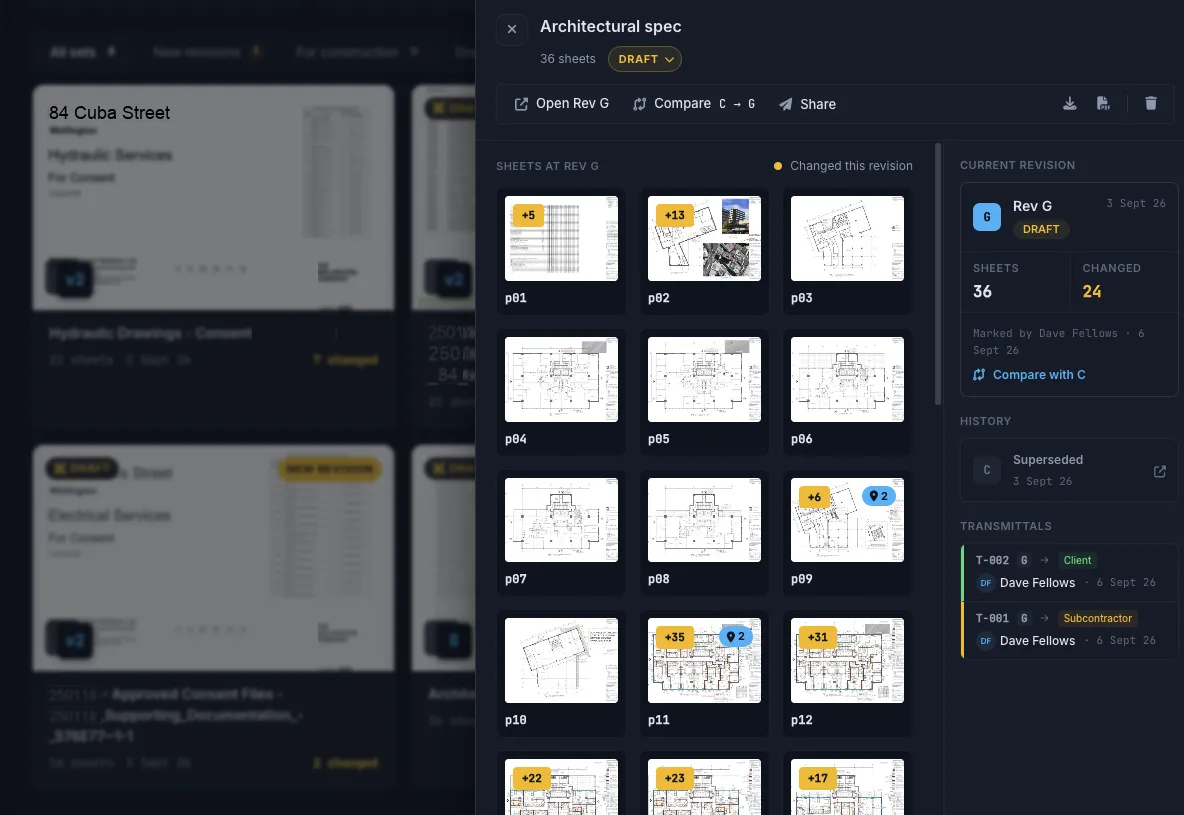
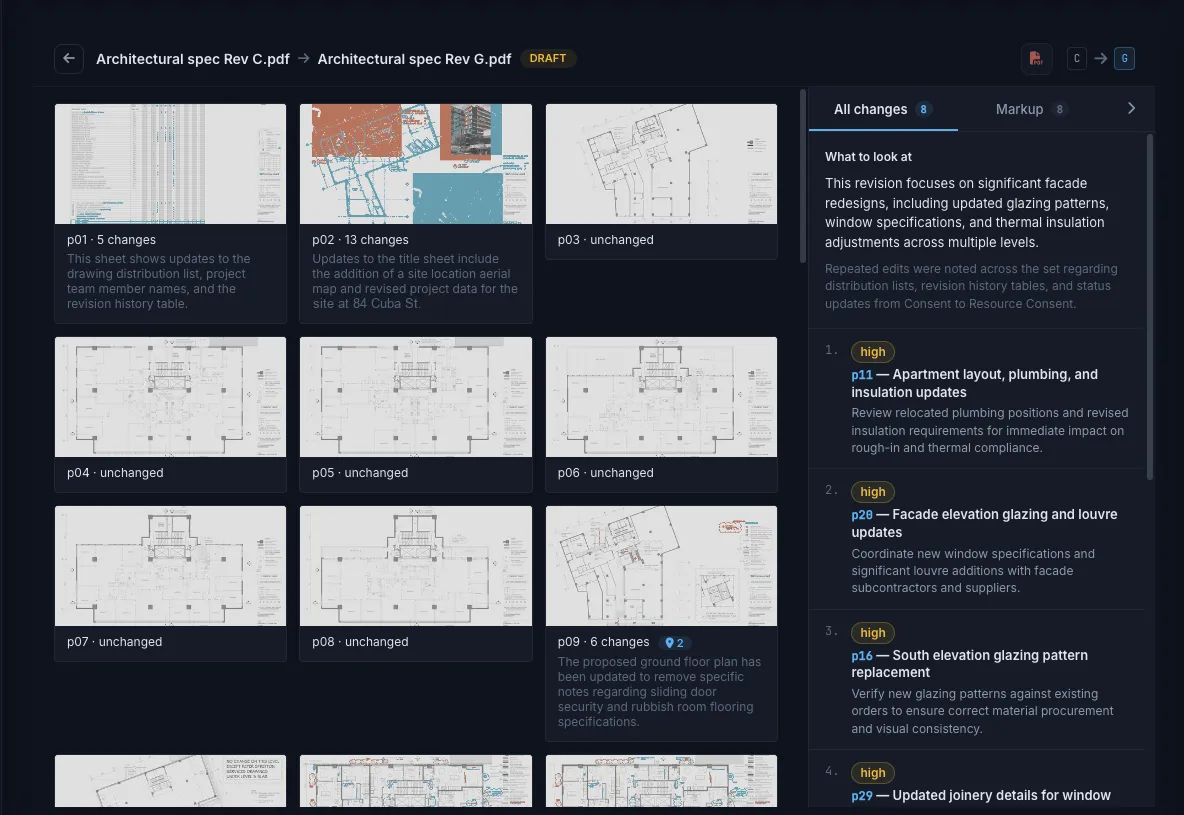
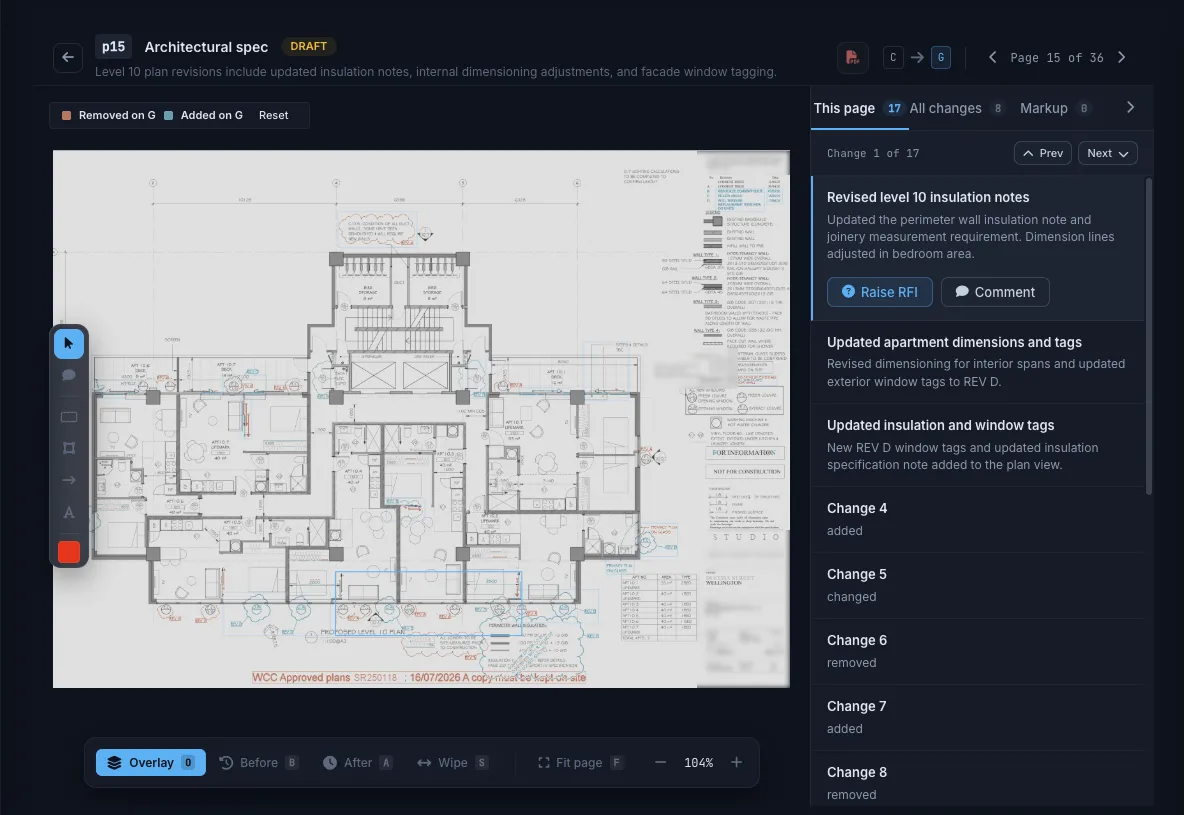
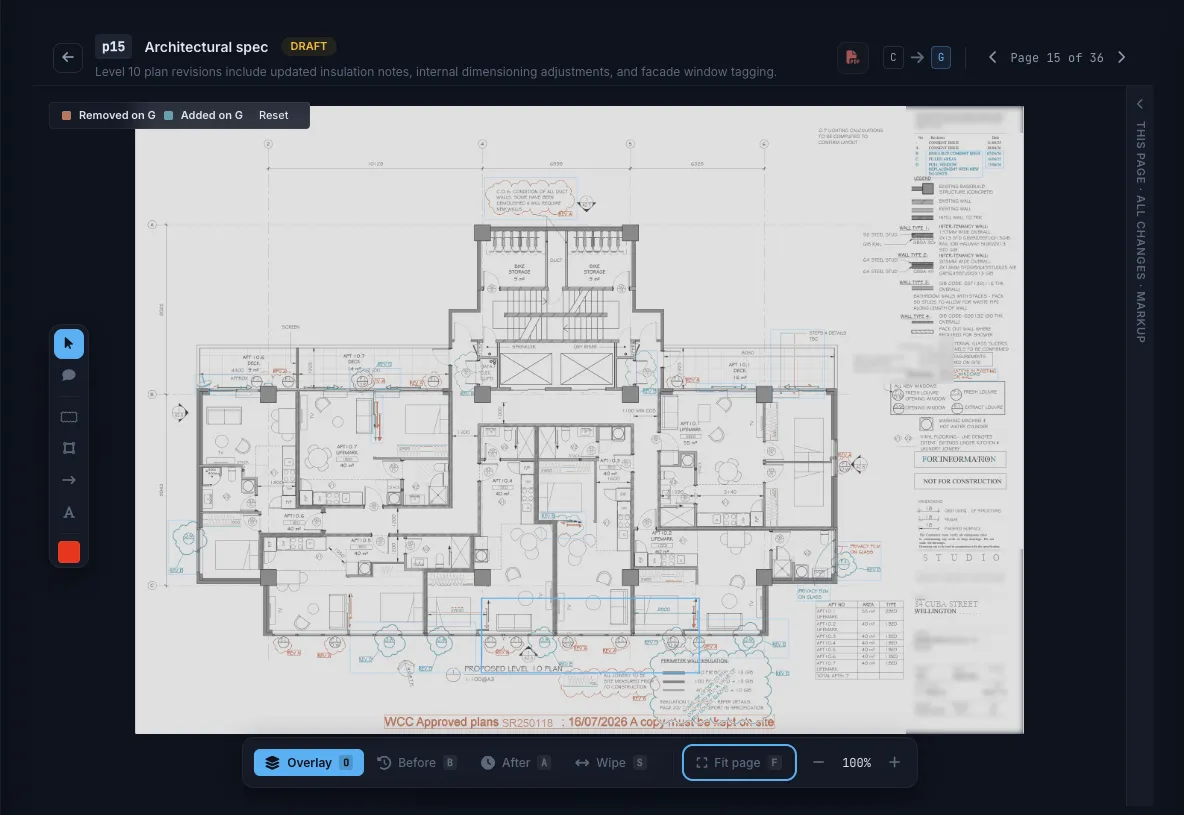
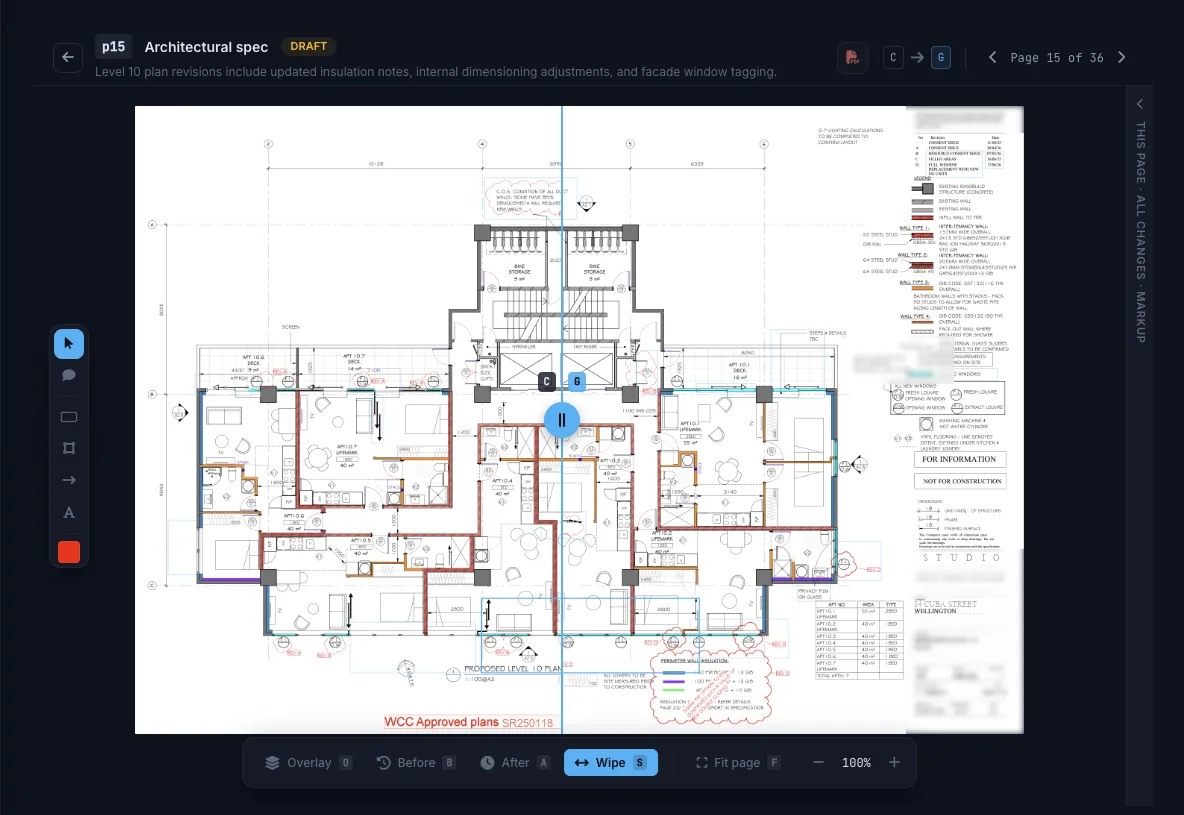
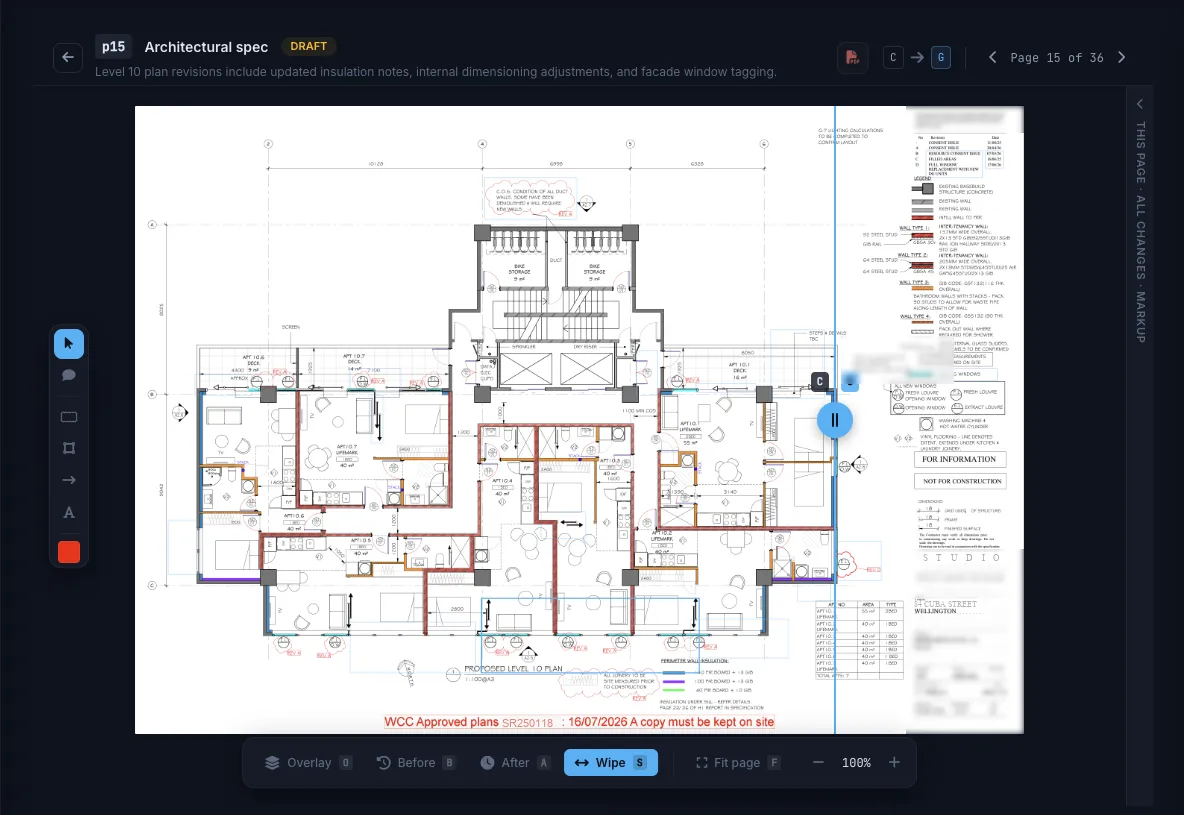
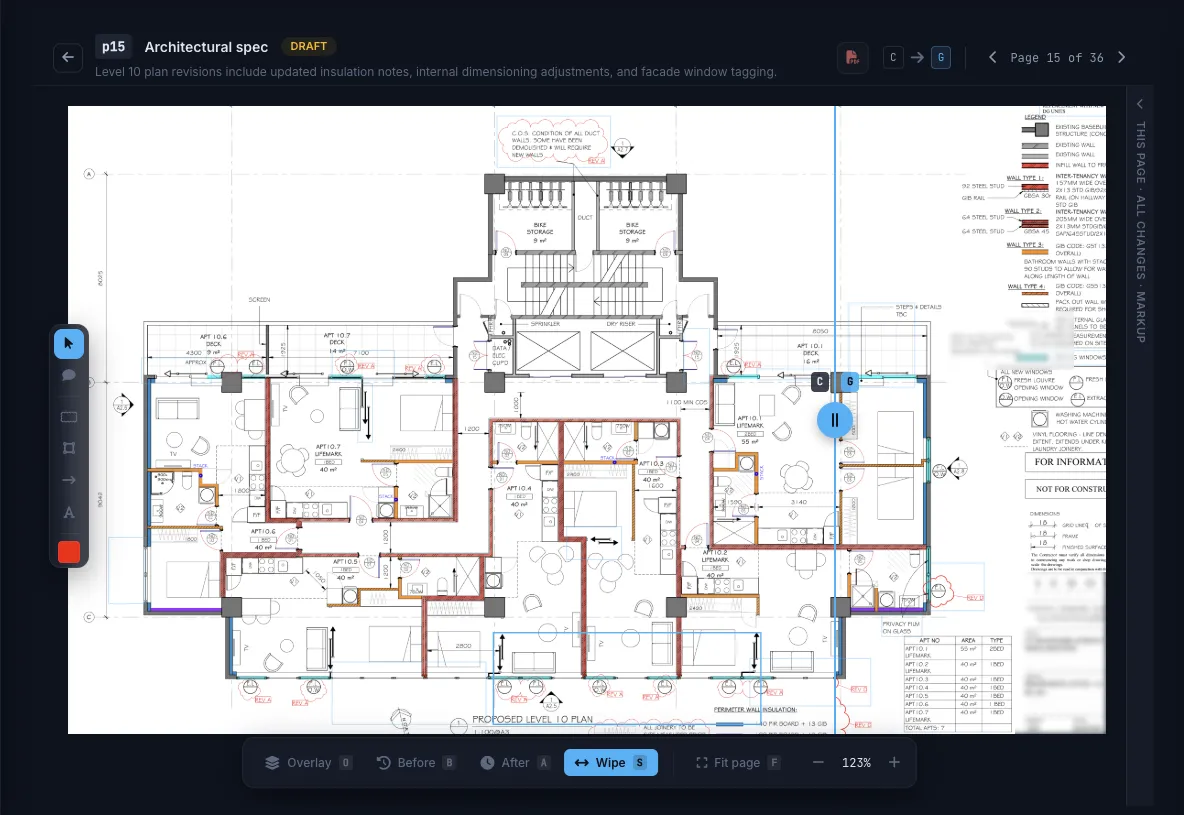
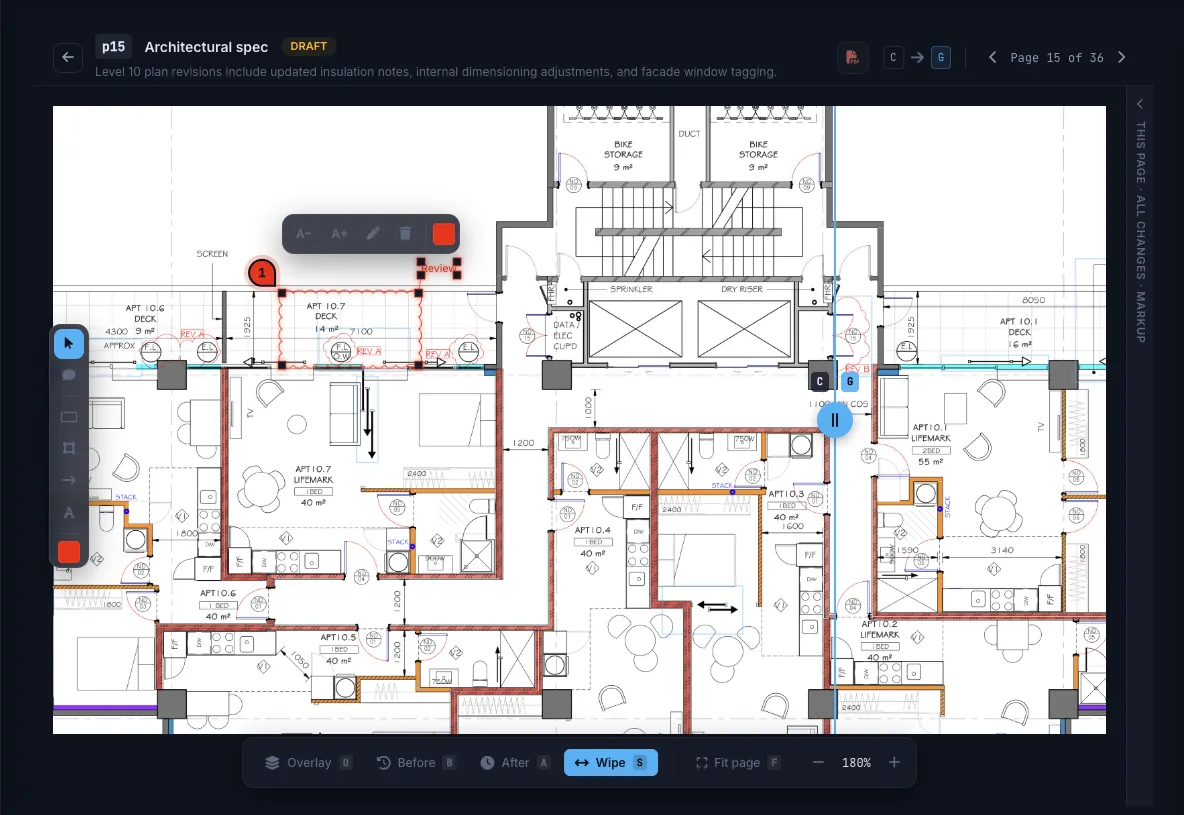
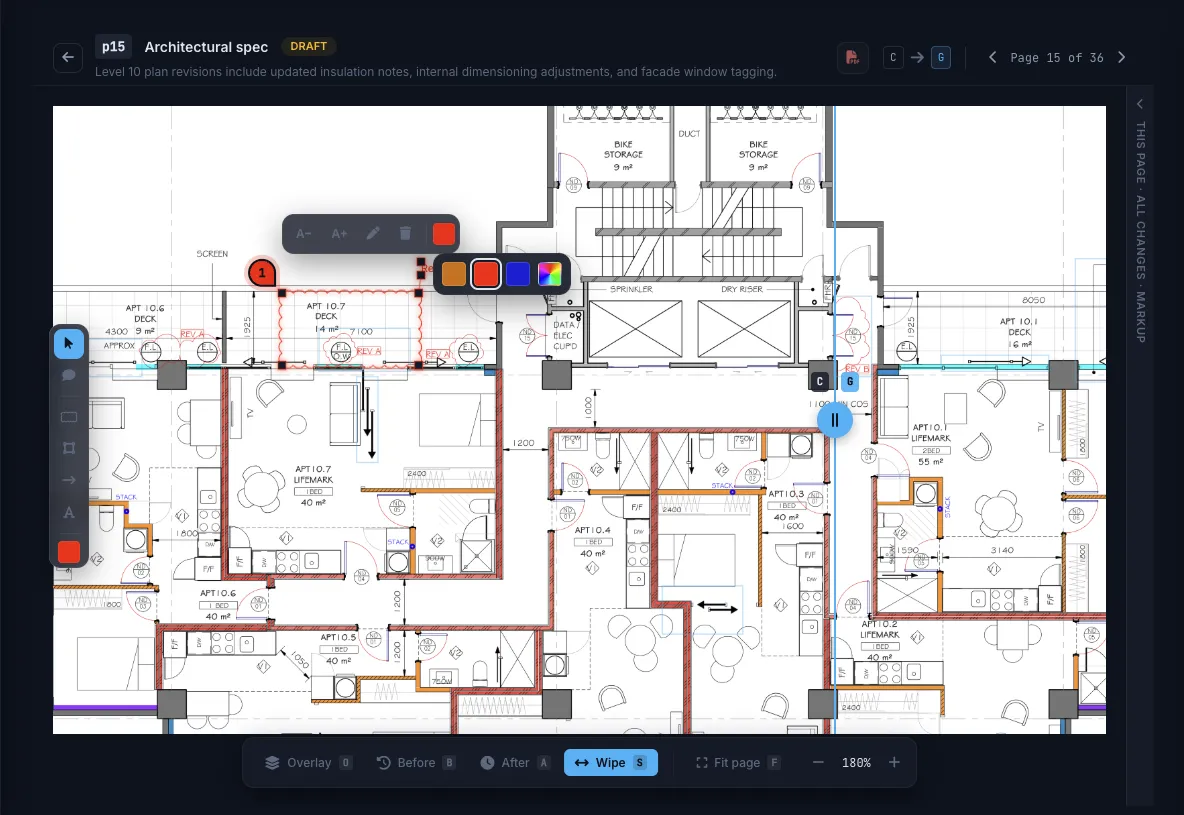
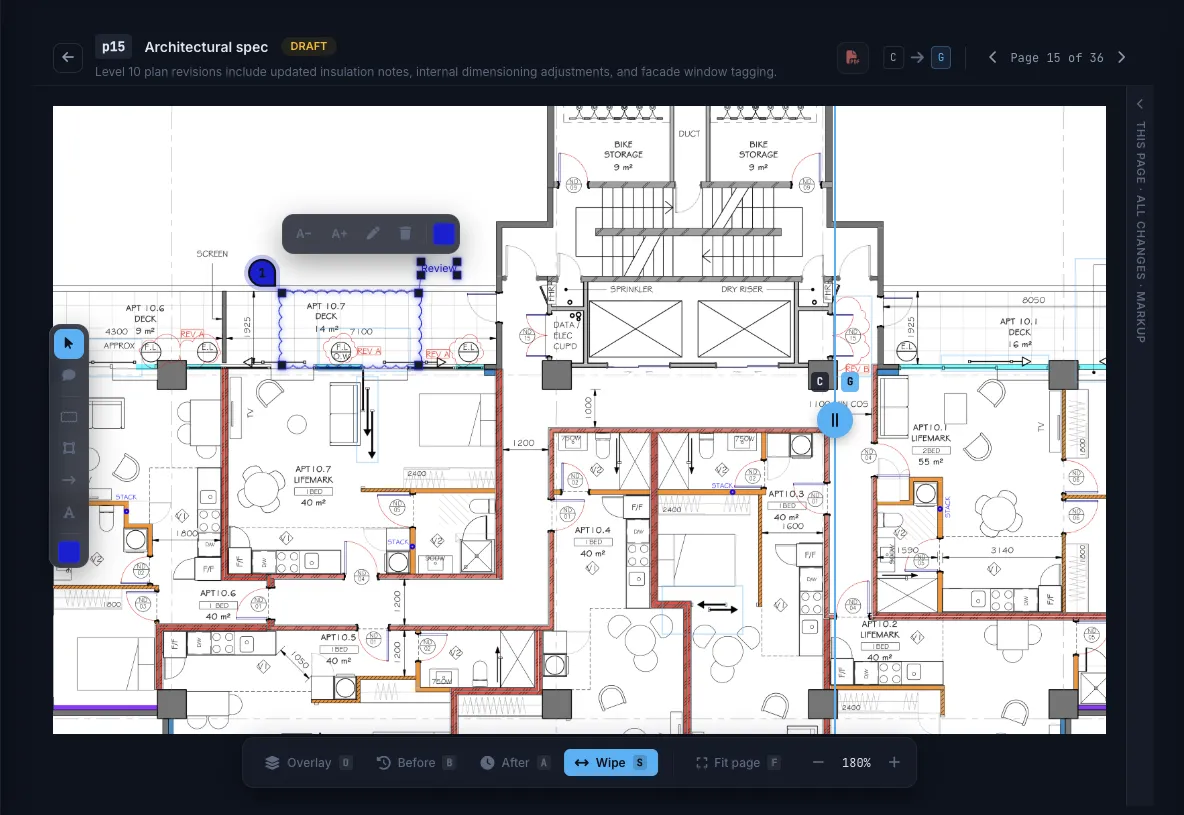
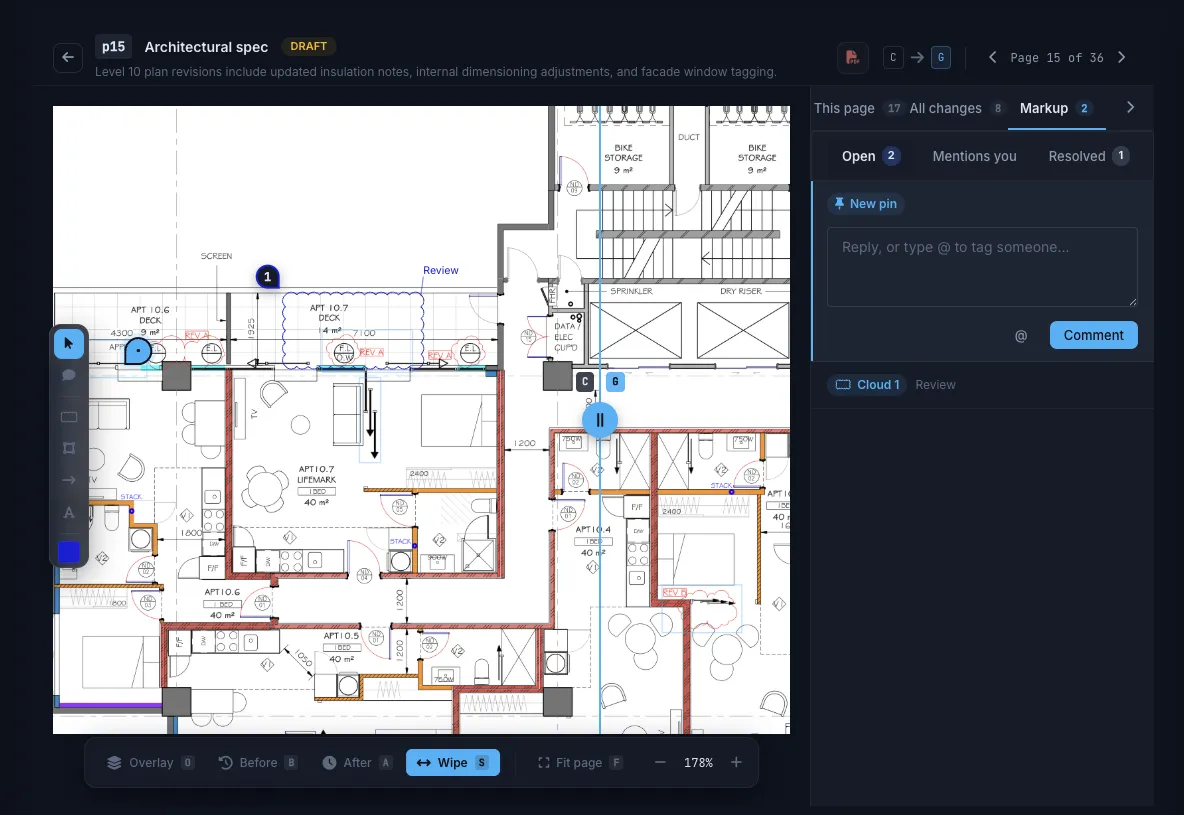
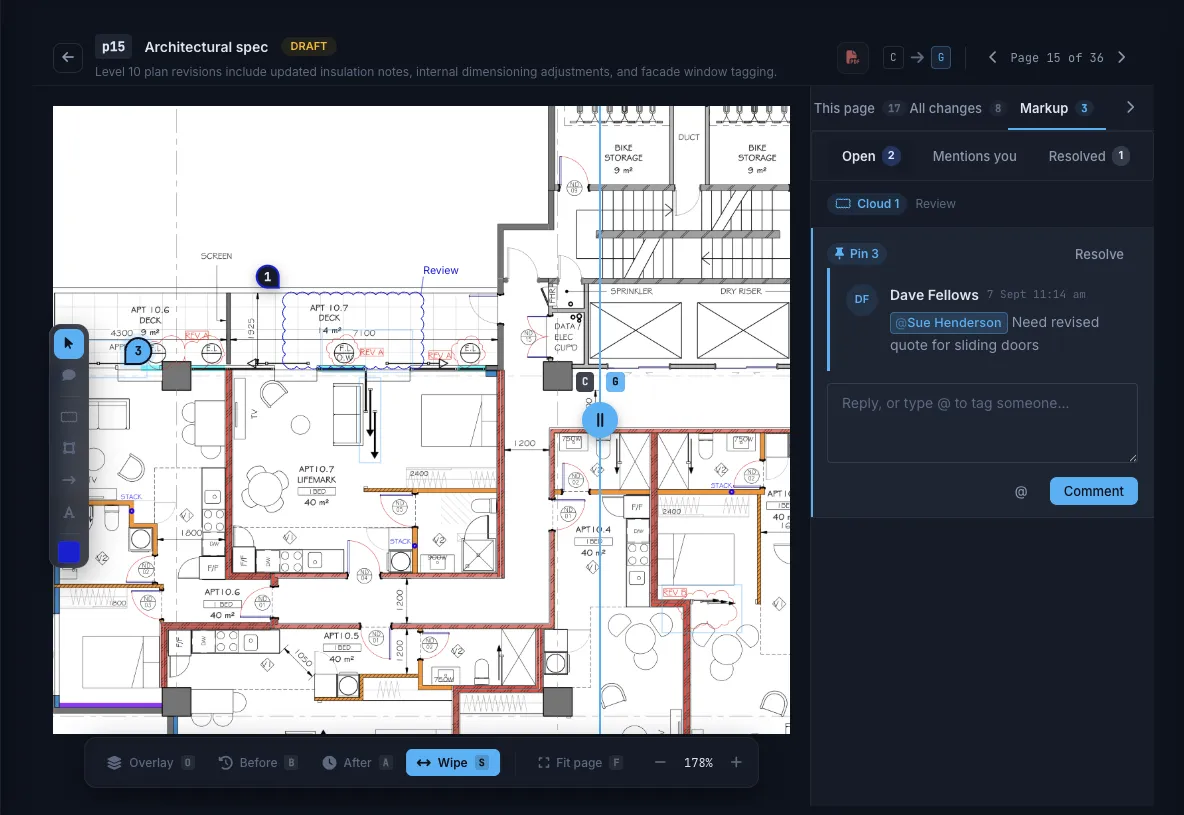
No AI packages. No credits. It's just how Truvect works.Upload a new set and Truvect compares every sheet with the revision before it. You see which sheets changed, what changed on them, and what someone has to act on.


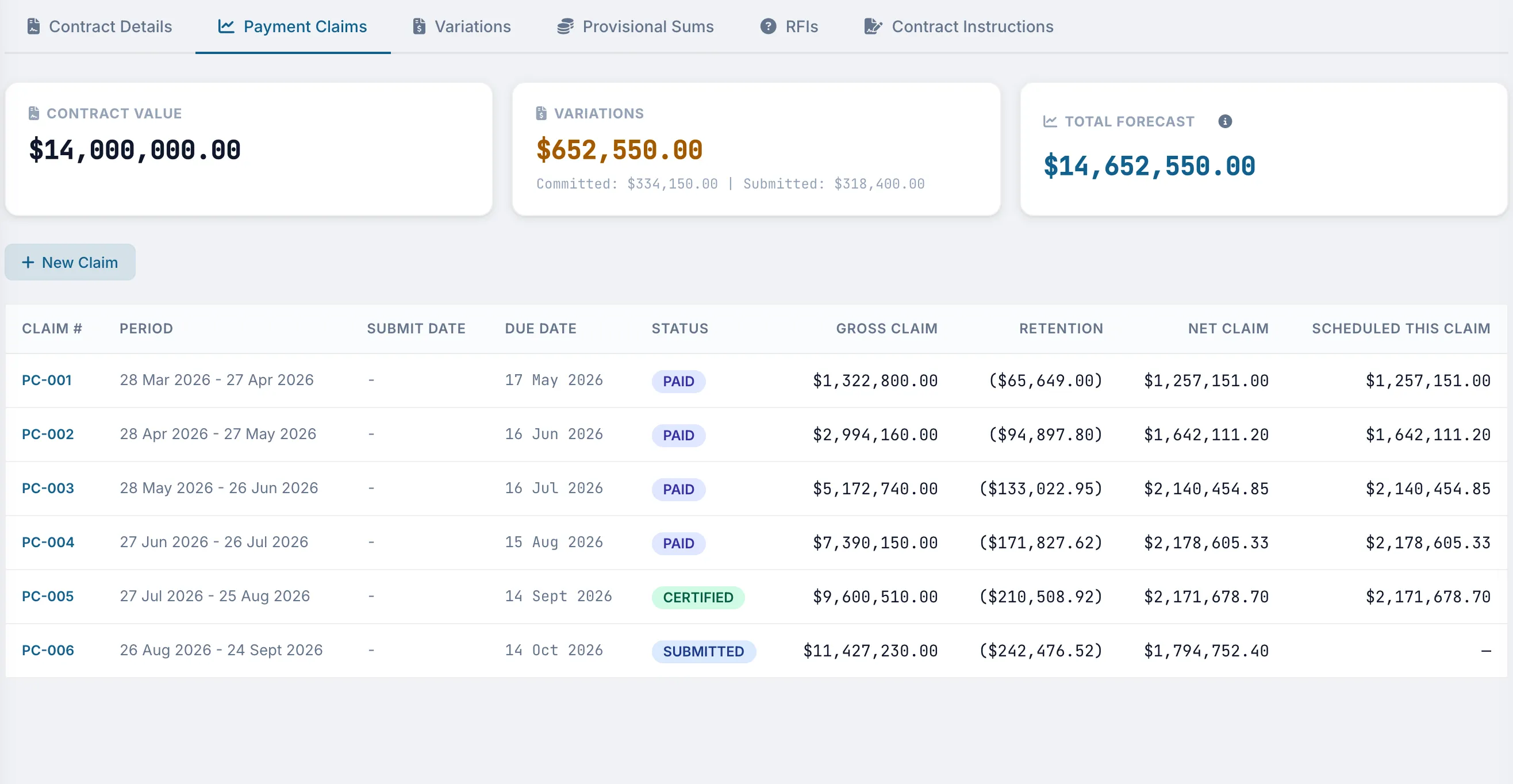
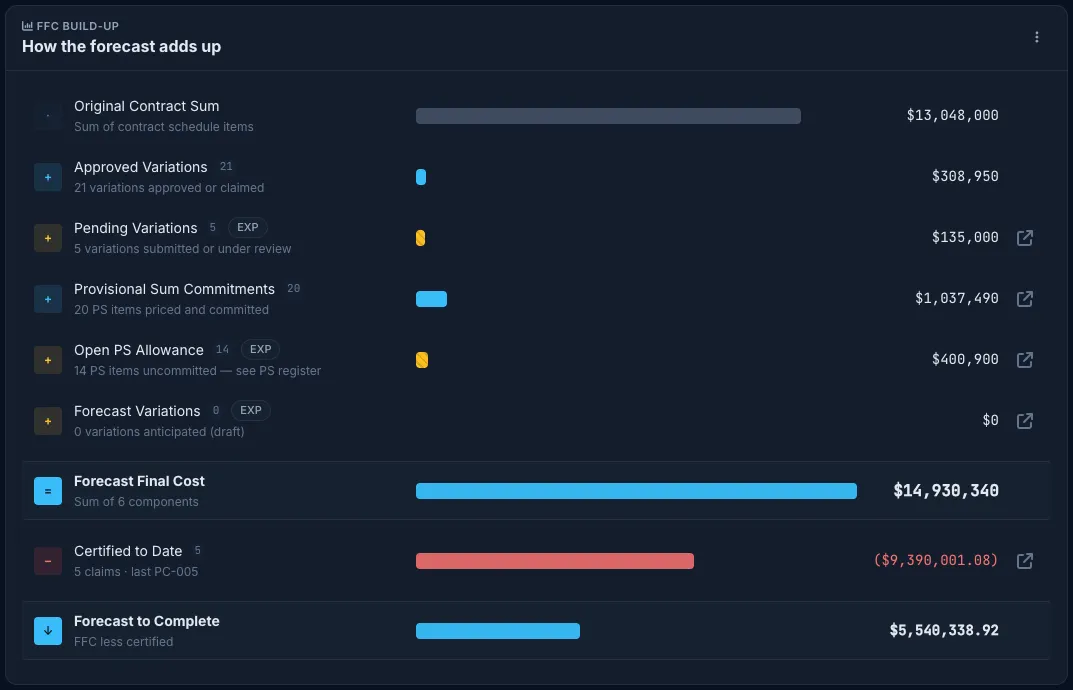
See each claim from submission through assessment, certification, and payment, including gross, retention, and net values.
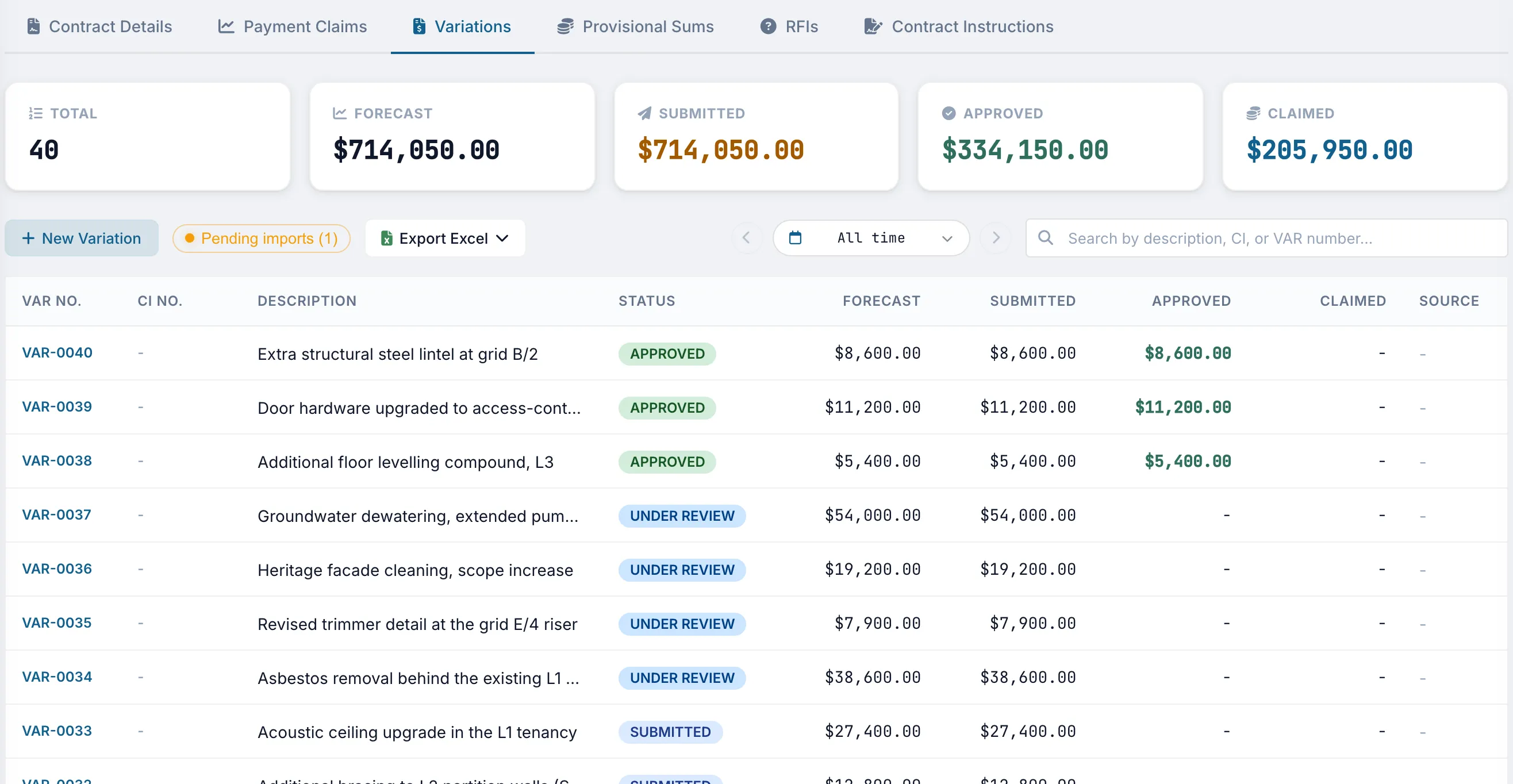
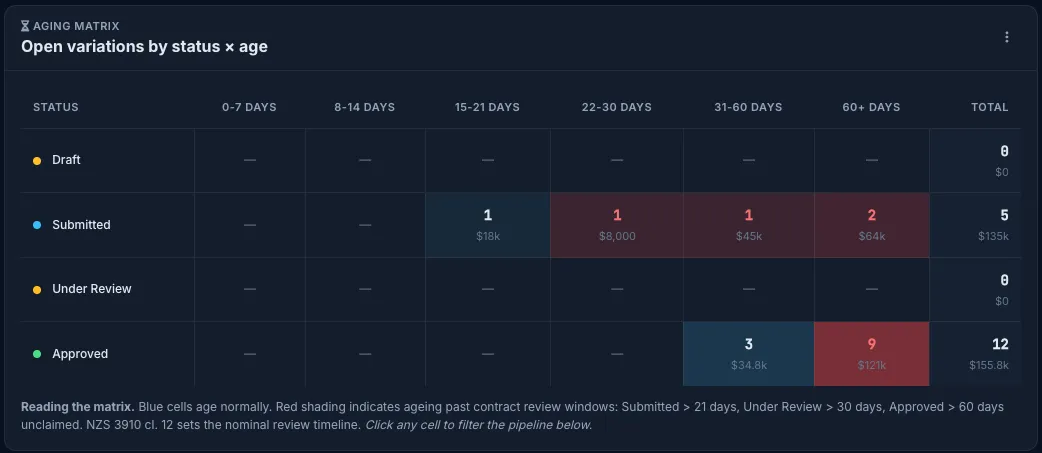
Price each variation as scope changes and keep the related instruction linked to the record.
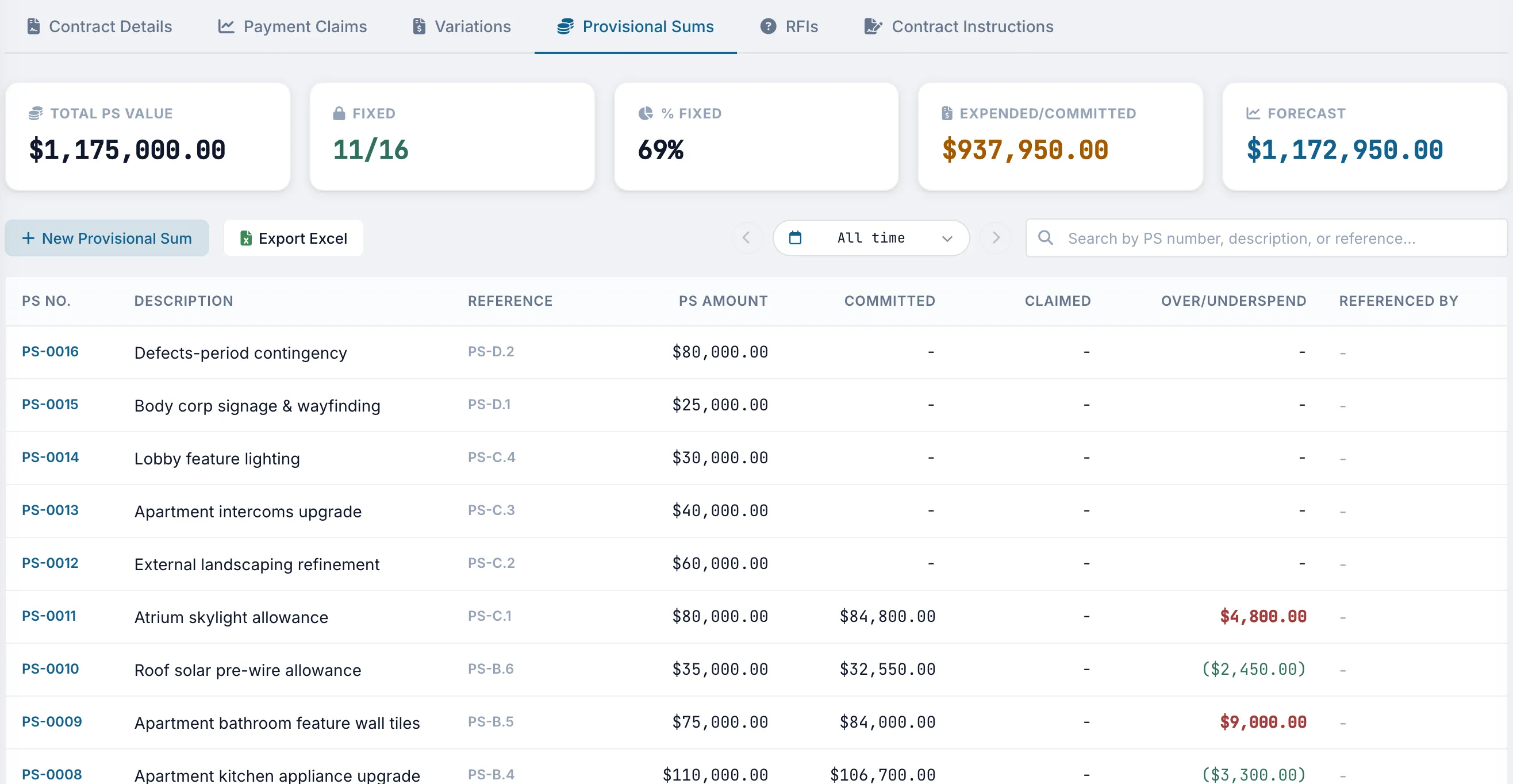
Compare the allowance, committed amount, and claimed amount for each provisional sum, with over or underspend shown by line.
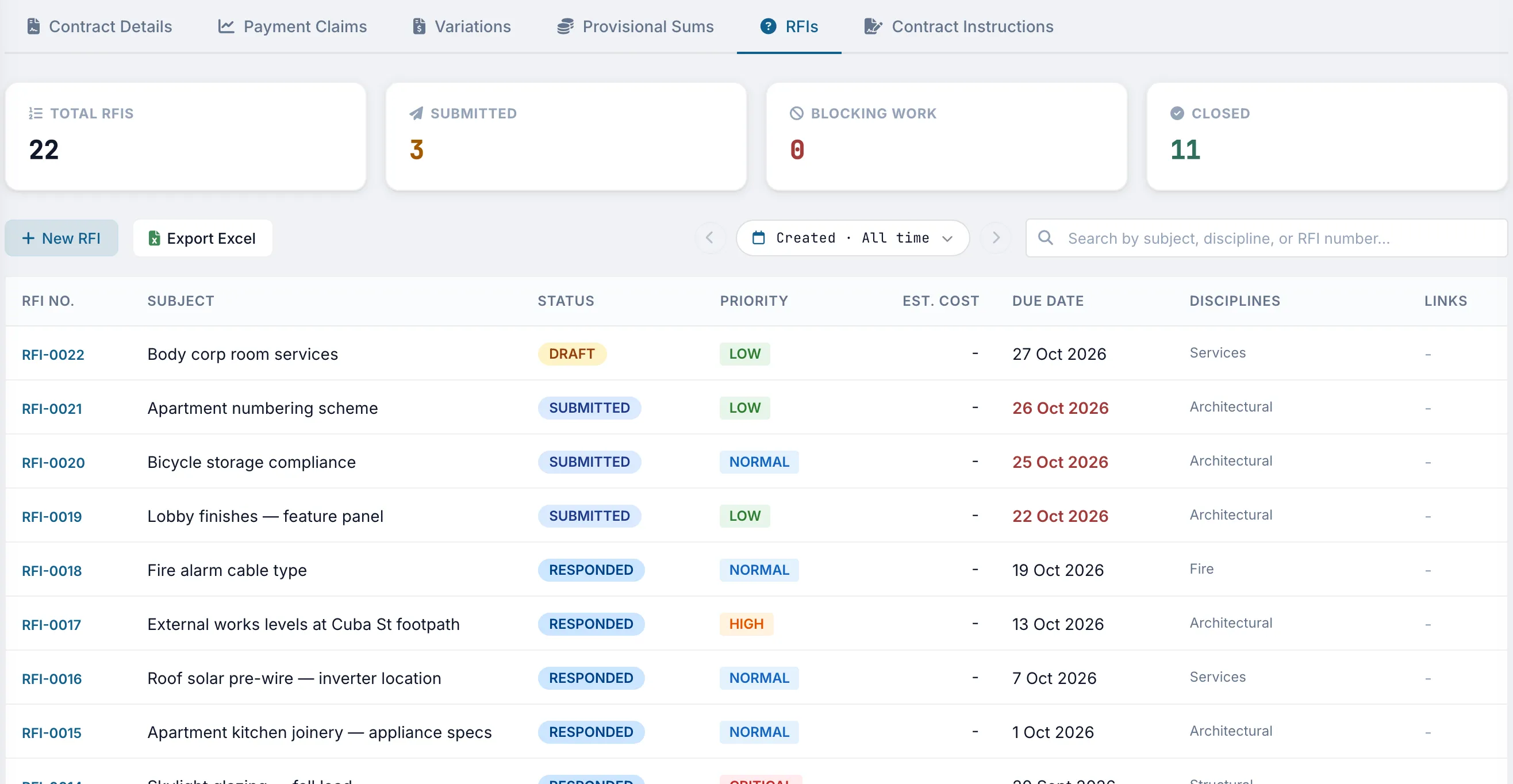
Each RFI has a status, priority, due date, and discipline, so the current position is visible without searching email threads.
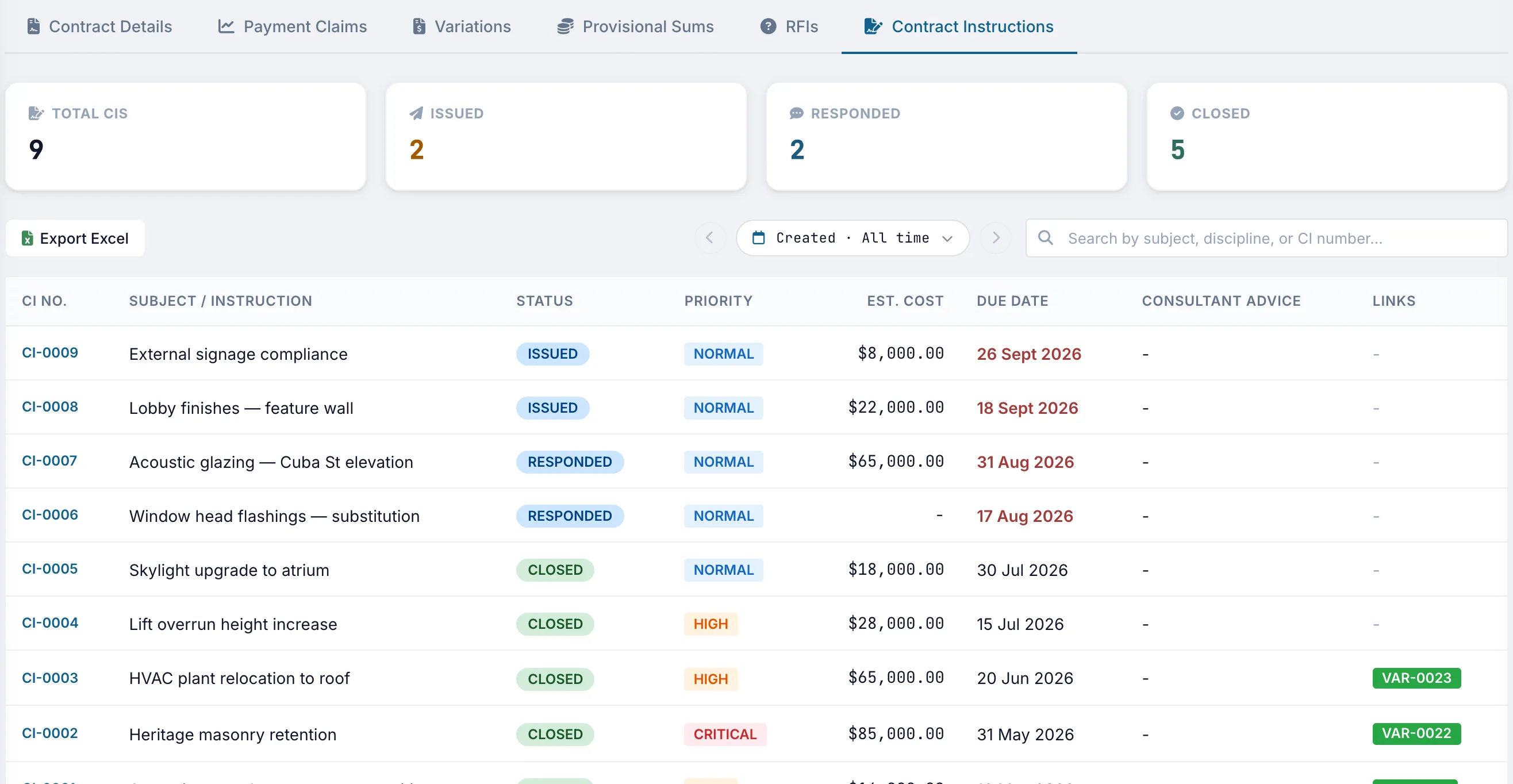
Record when an instruction is issued, responded to, and closed, along with its estimated cost and any variations created from it.
Each subcontract can include claims, variations, provisional sums, RFIs, and instructions. Subcontractors submit their records and the main contractor assesses them.
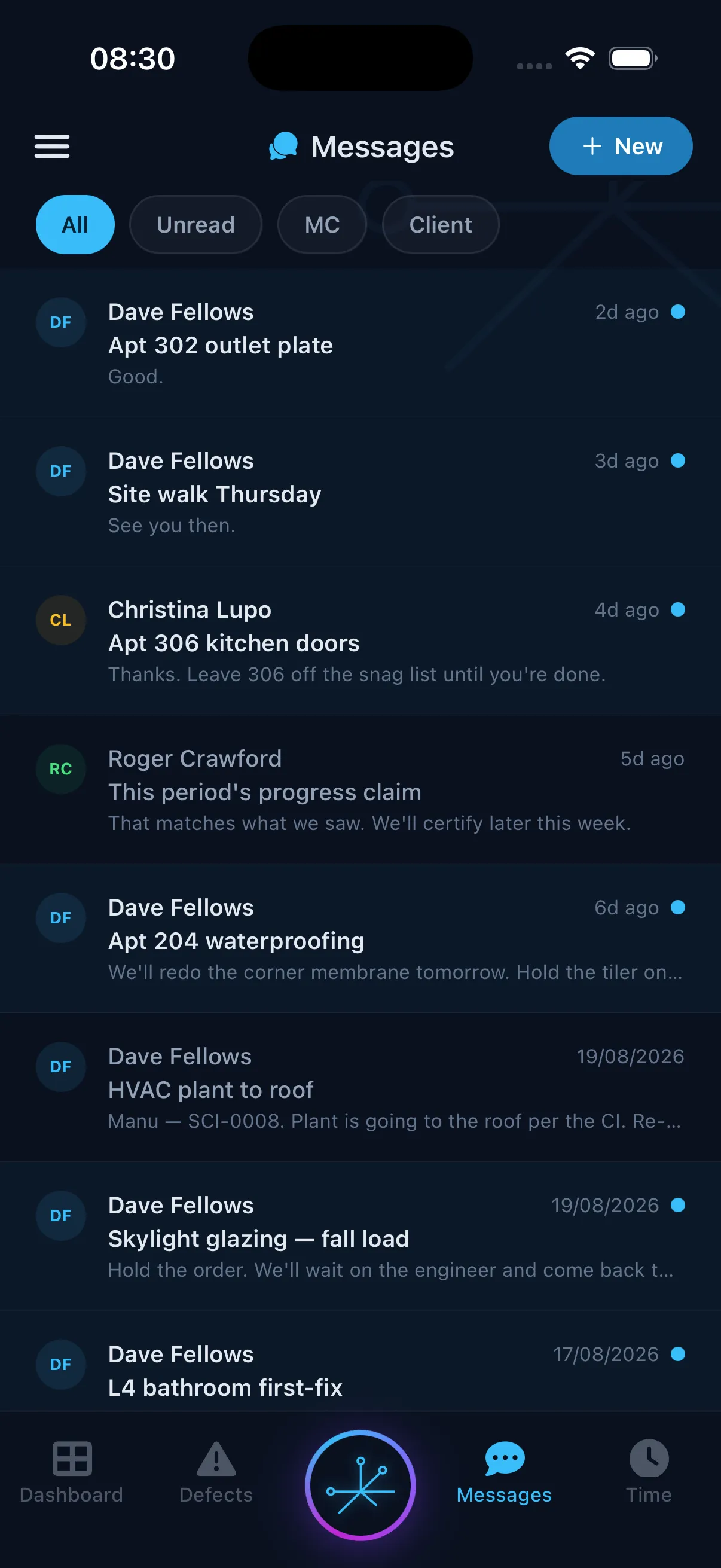
Payment claims, variations, provisional sums, RFIs, and contract instructions follow the same workflow across the head contract and each subcontract. Subcontractors can submit through Truvect, and the main contractor can assess and respond in the same system.


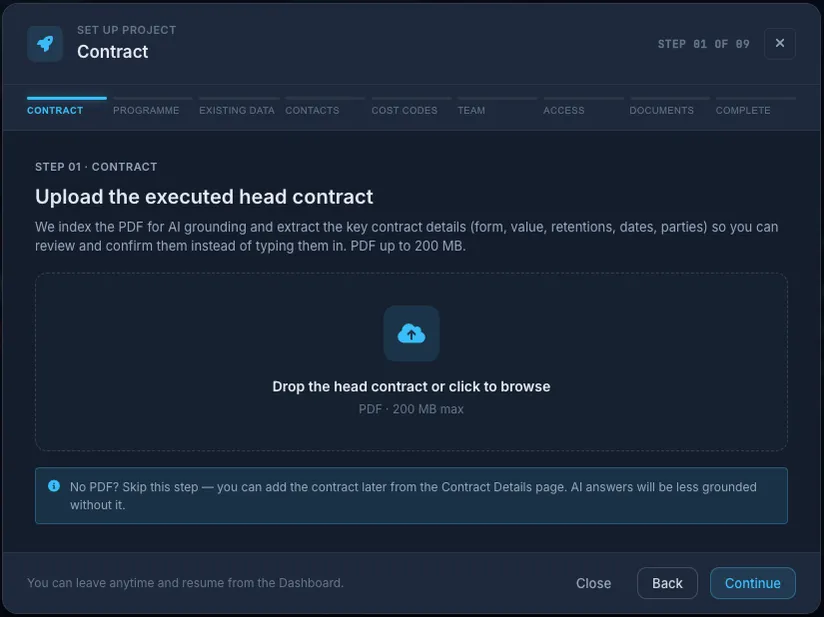
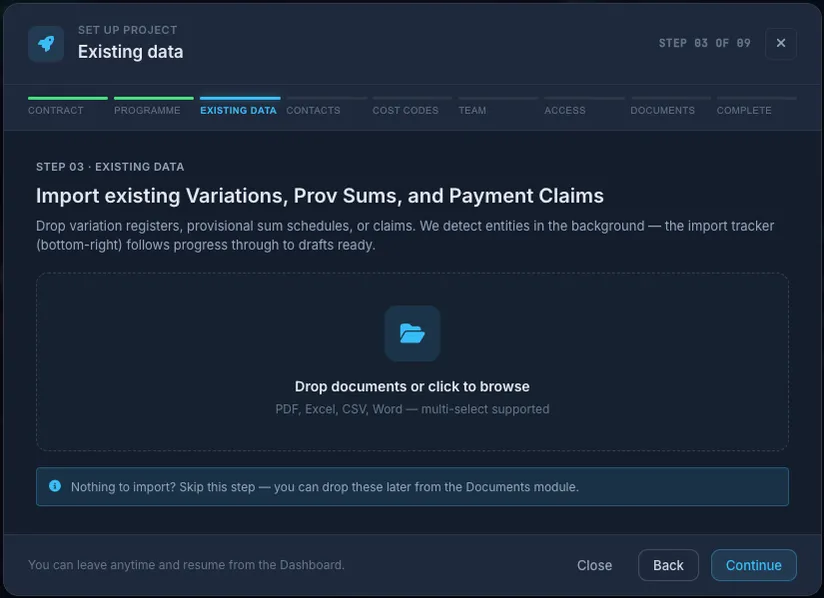
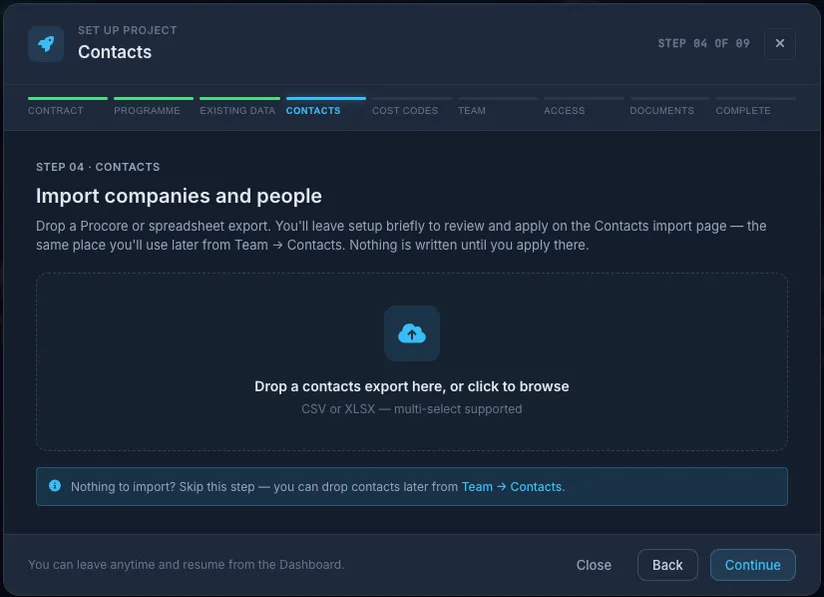
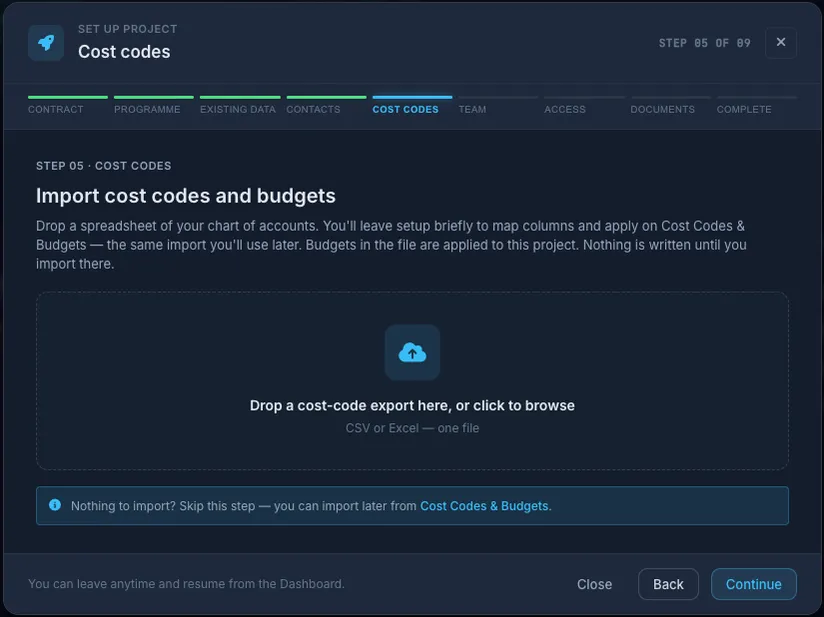
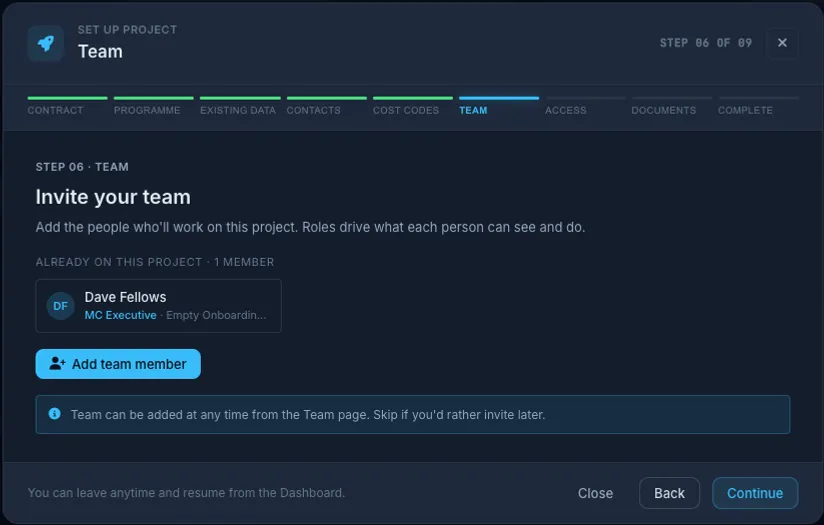
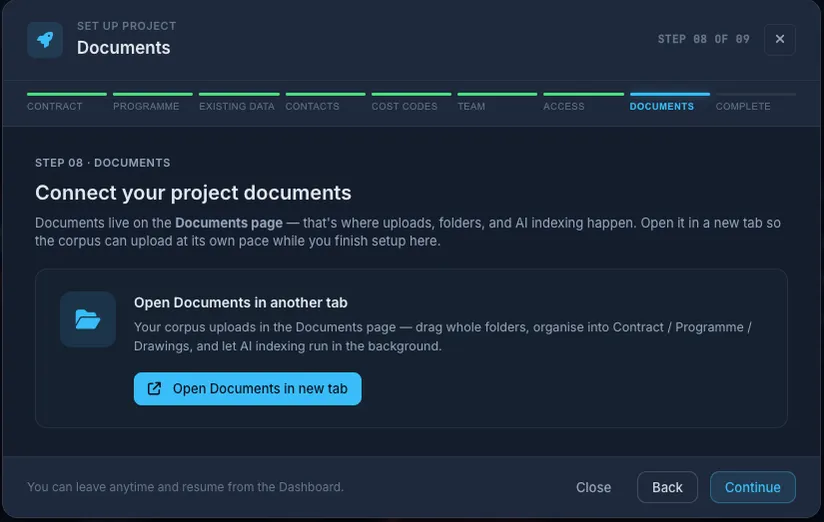
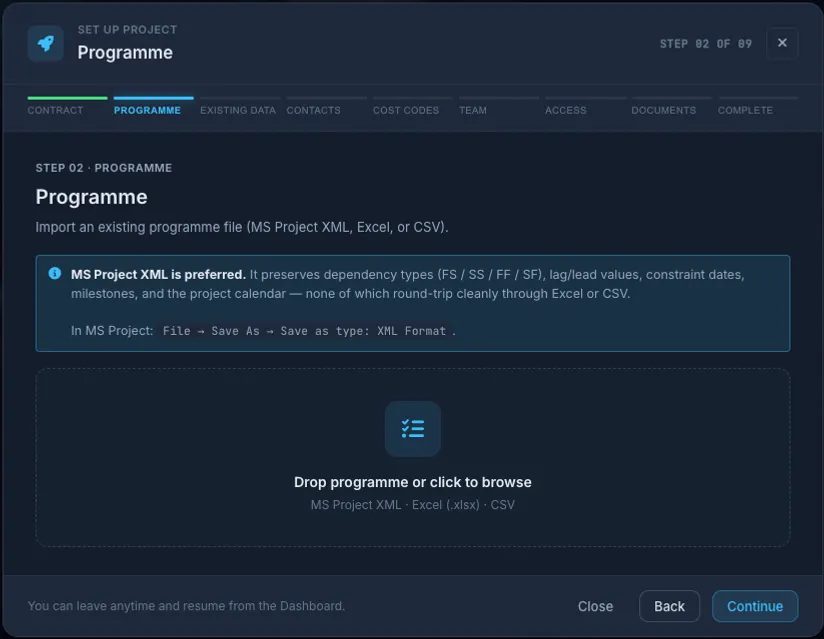
Most projects join Truvect midway. Setup starts from what you already have: the head contract, the programme, your registers, contacts and cost codes. You check drafts instead of retyping months of history.


Cost codes answer the questions you planned for. Truvect AI answers the rest. Ask what the in-situ south wall has cost to date, committed and spent. Truvect pulls every line from POs, invoices and timesheets. Formwork, reo, concrete, everything. With sources. If something's missing, it tells you.
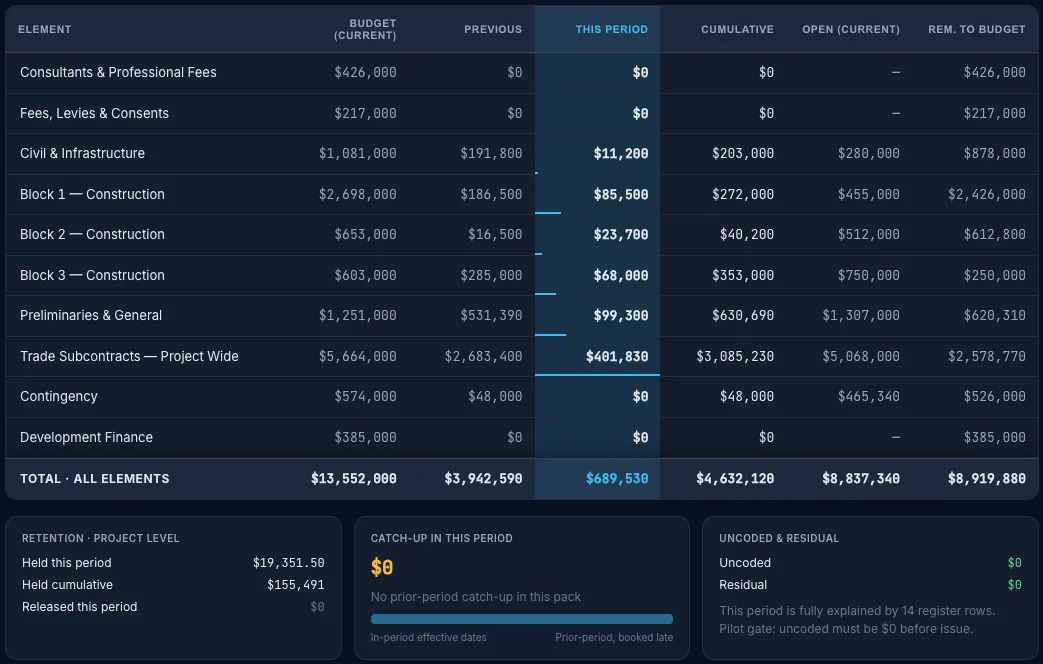
Bring your existing cost codes. Truvect suggests the code for each invoice line, and your team confirms it. Commitments land when the PO is raised. The same data feeds cost-value and month-end reporting.


A purchase order updates the relevant cost code when it is raised, showing amounts ordered, received, and outstanding.
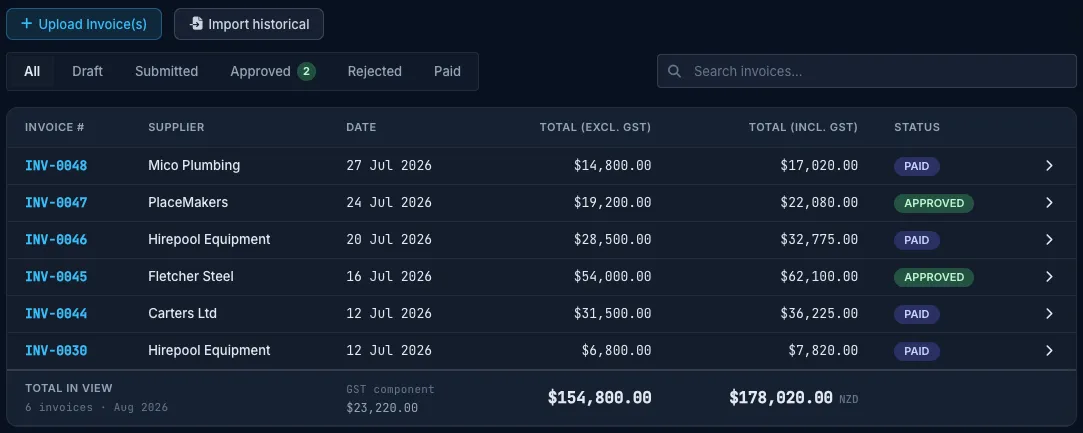
Upload an invoice PDF to the register with the supplier, GST-exclusive and GST-inclusive totals, and its approval and payment status. Historical invoices can be added by bulk import.
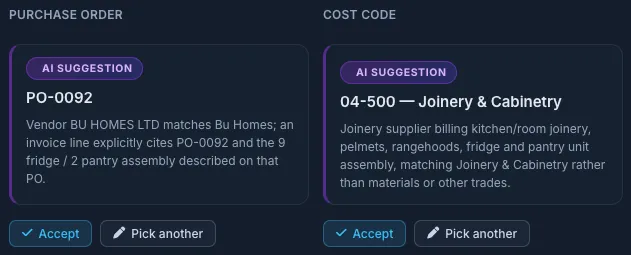
Truvect extracts the invoice details, identifies the related purchase order, and suggests a cost code with an explanation. You confirm or change the selection before it is posted.
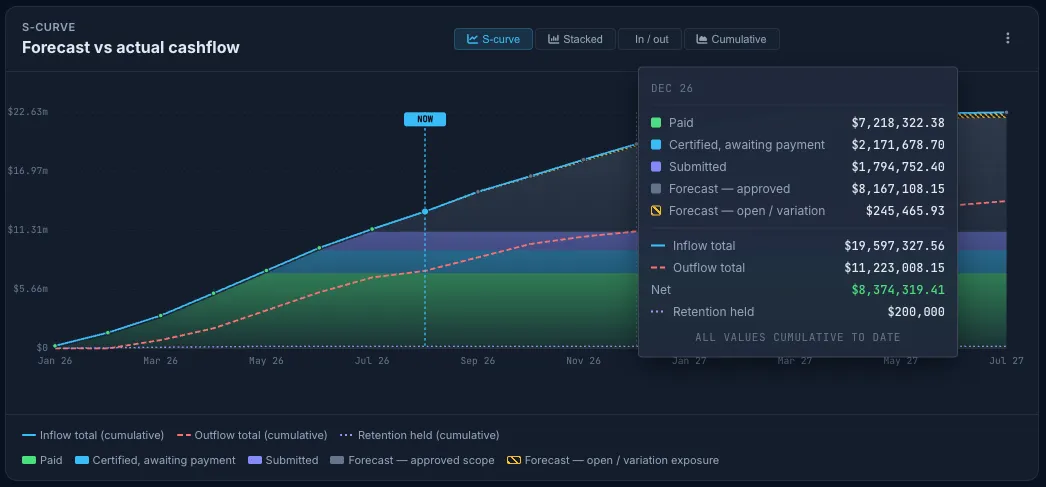
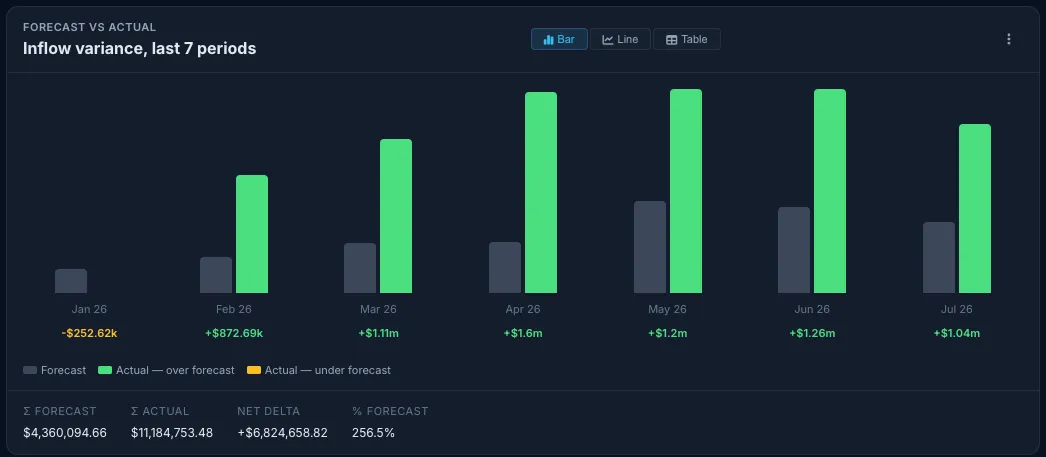
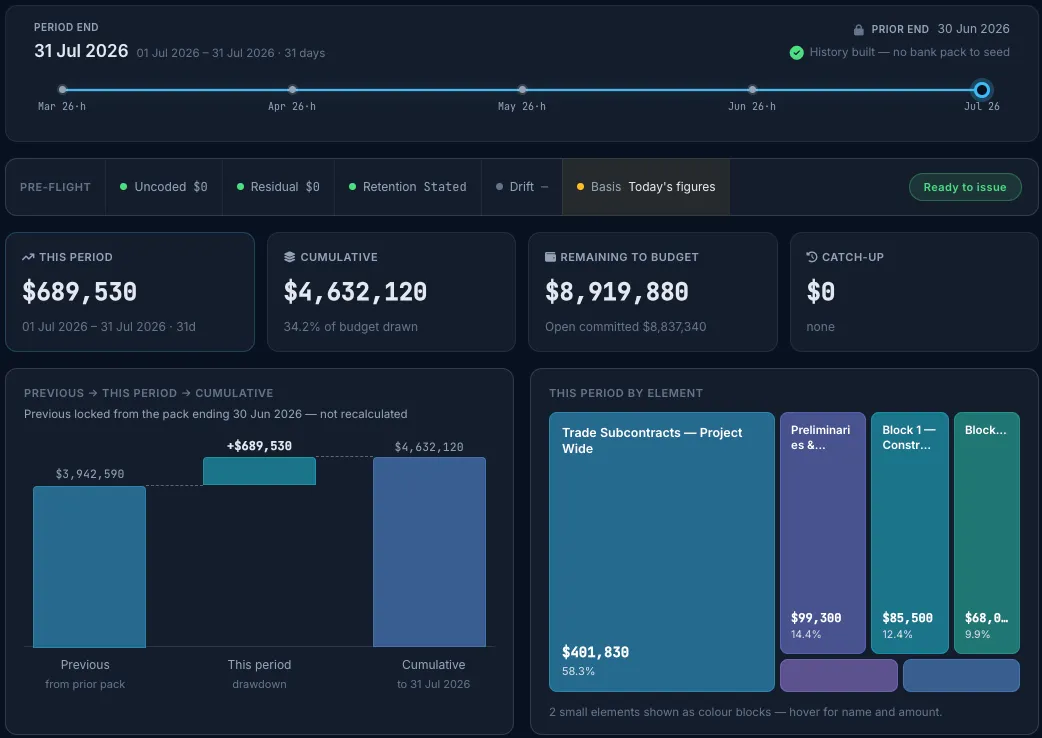
Cashflow, cost-value reconciliation, variation and monthly drawdown reports run on live project data whenever you open them. Export any of them to PDF, Excel or CSV.


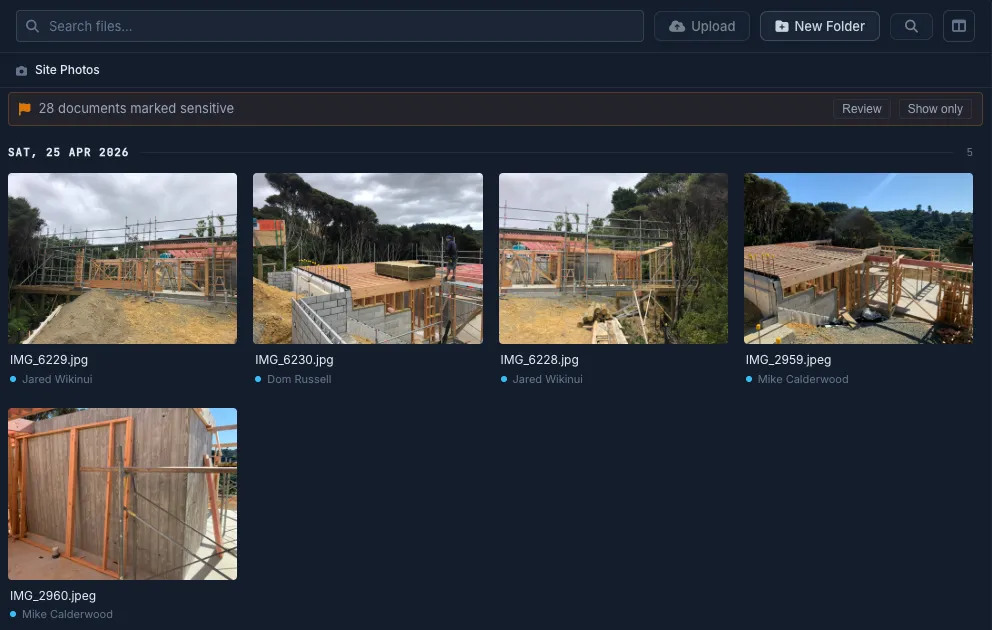
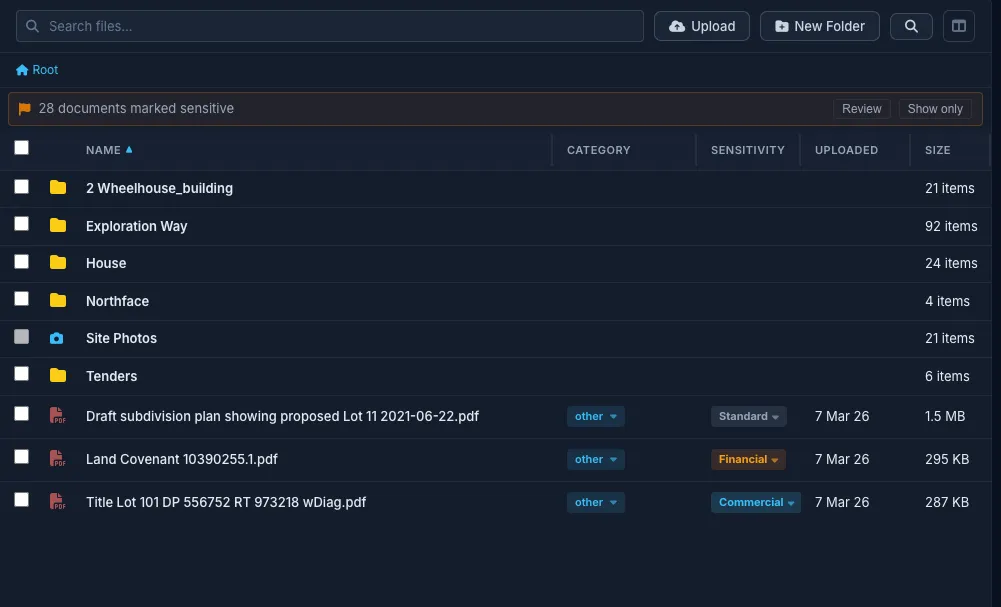
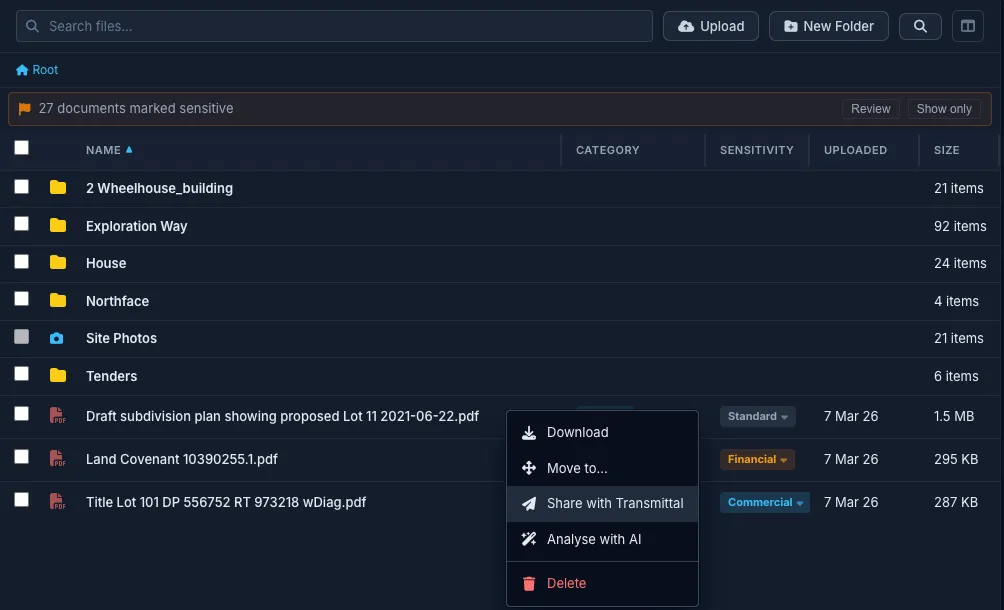
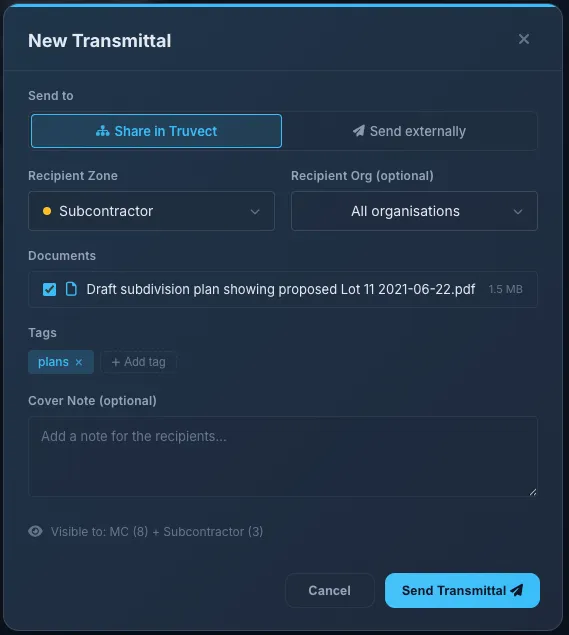
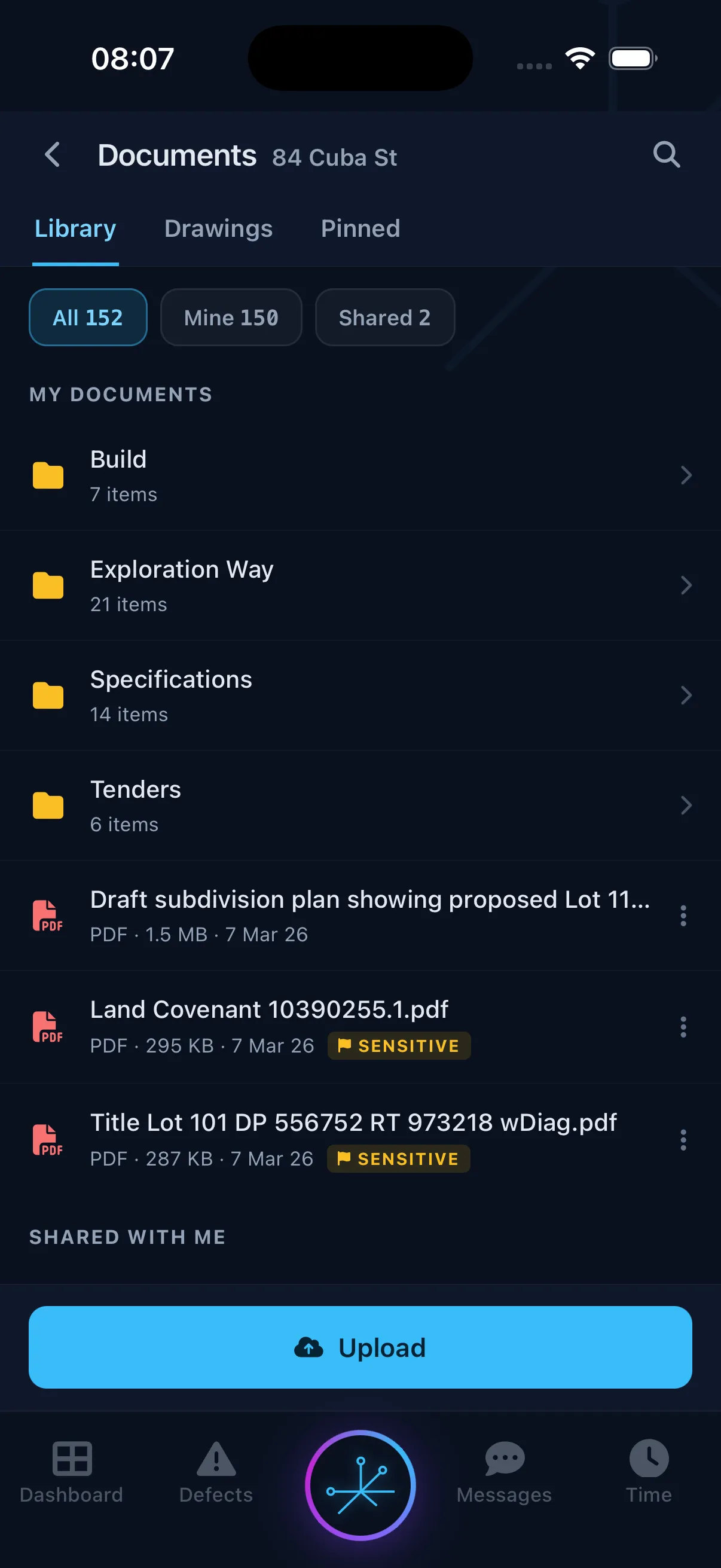
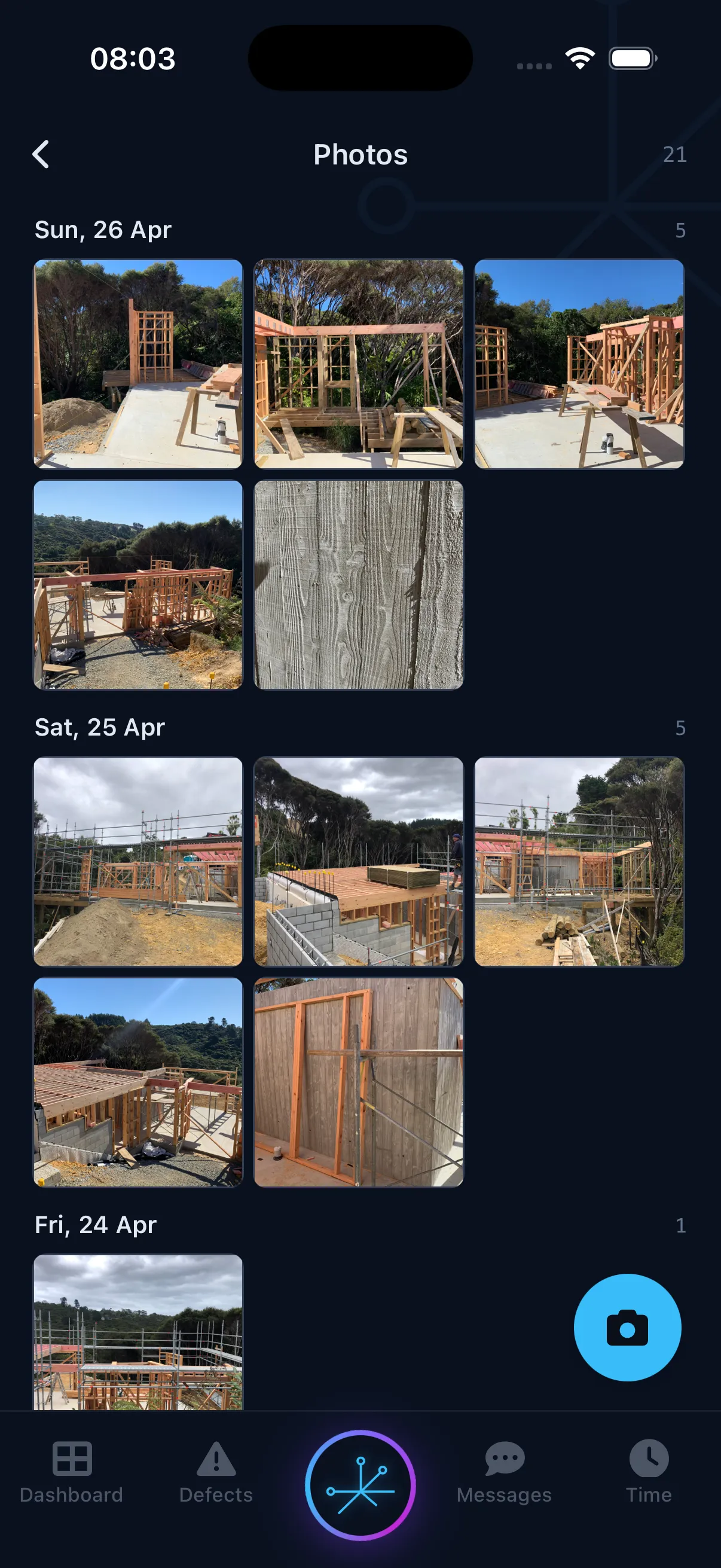
Store drawings, site photos, contracts, and correspondence in one project library. Use transmittals to issue document sets and keep a record of what was sent, to whom, and when.


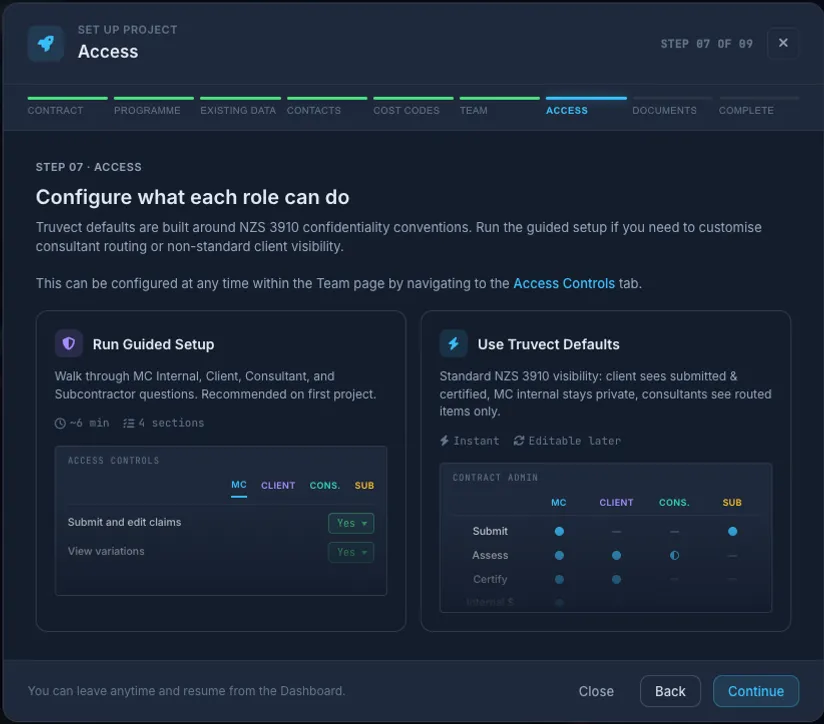
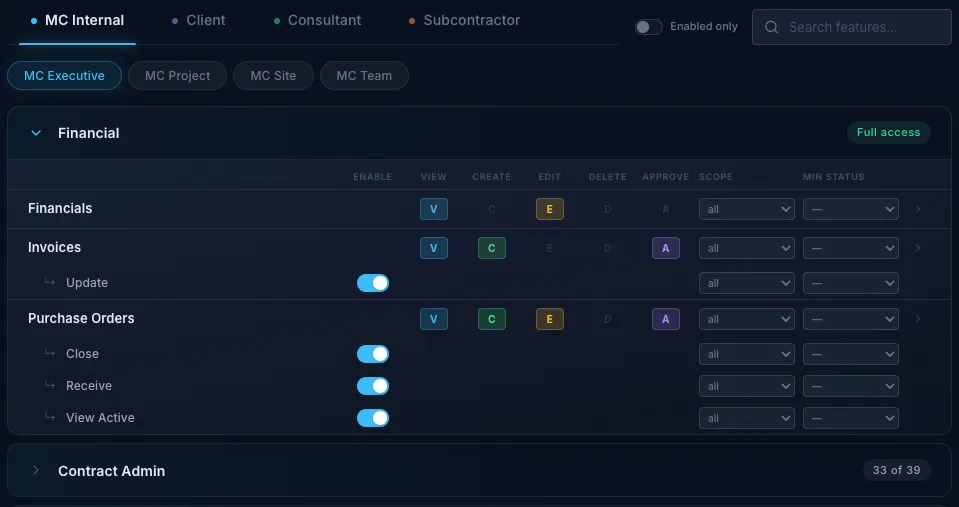
All firms can work in the same project while seeing only the information relevant to their role and based on the project's contract type. Clients can assess submissions, consultants can access their discipline, and each subcontractor is limited to its own subcontract records. Access is applied automatically rather than relying on manual file sharing.

Users sit within four access zones: the main contractor, client team, consultants, and subcontractors. Nine role types within those zones set the default view and permissions. People in the same contract position receive the same baseline access.
Clients can see certified and forecast values without access to the main contractor's margins or internal notes. Subcontractors cannot see one another's records. Permissions can also be tightened for a specific project.
Each request is checked for feature access, status, permitted fields, and record scope. Restricted financial fields are removed before data is returned to the browser.
A subcontractor sees only the records and functions for its contract, without empty columns or controls it cannot use.
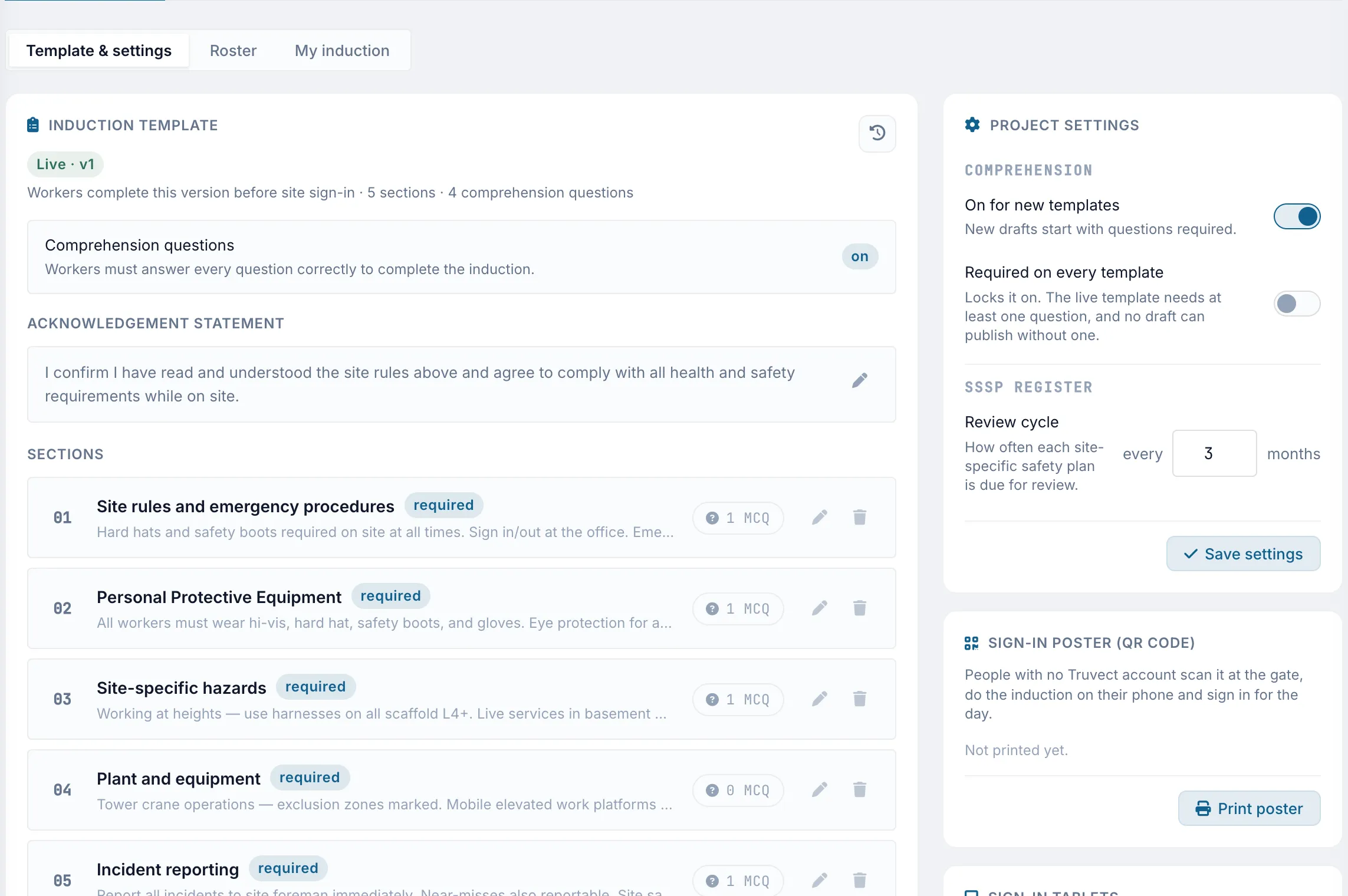
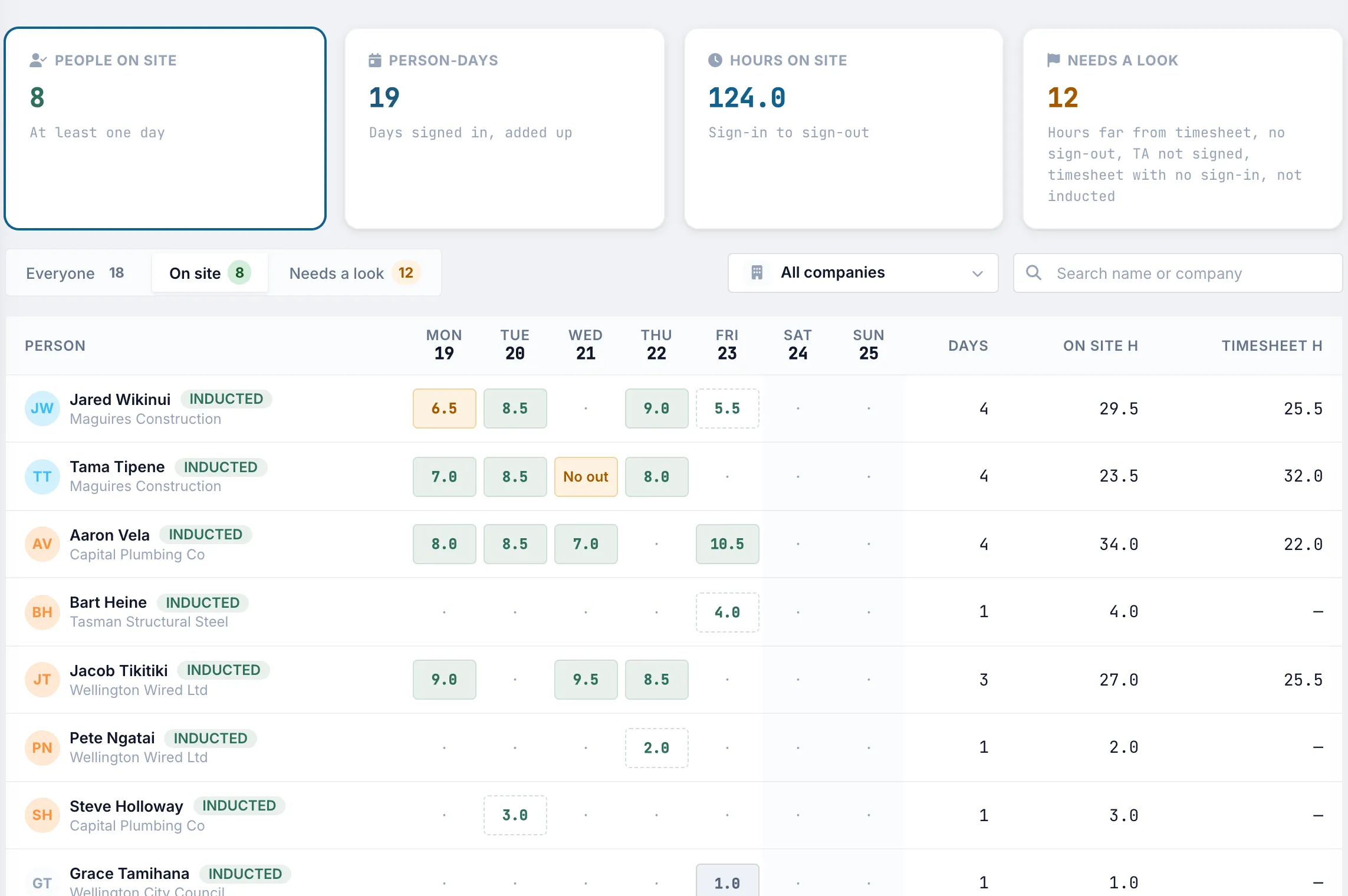
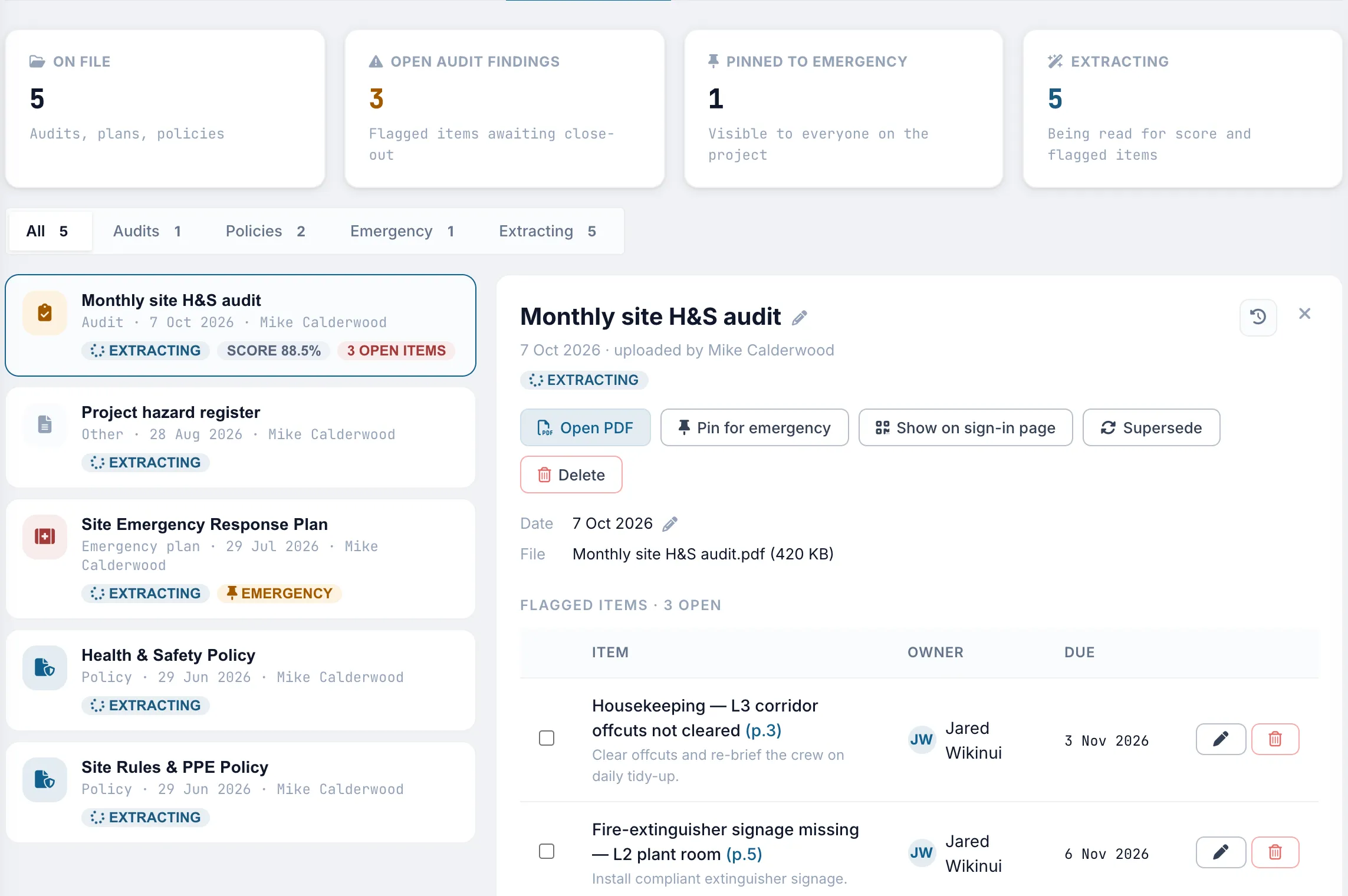
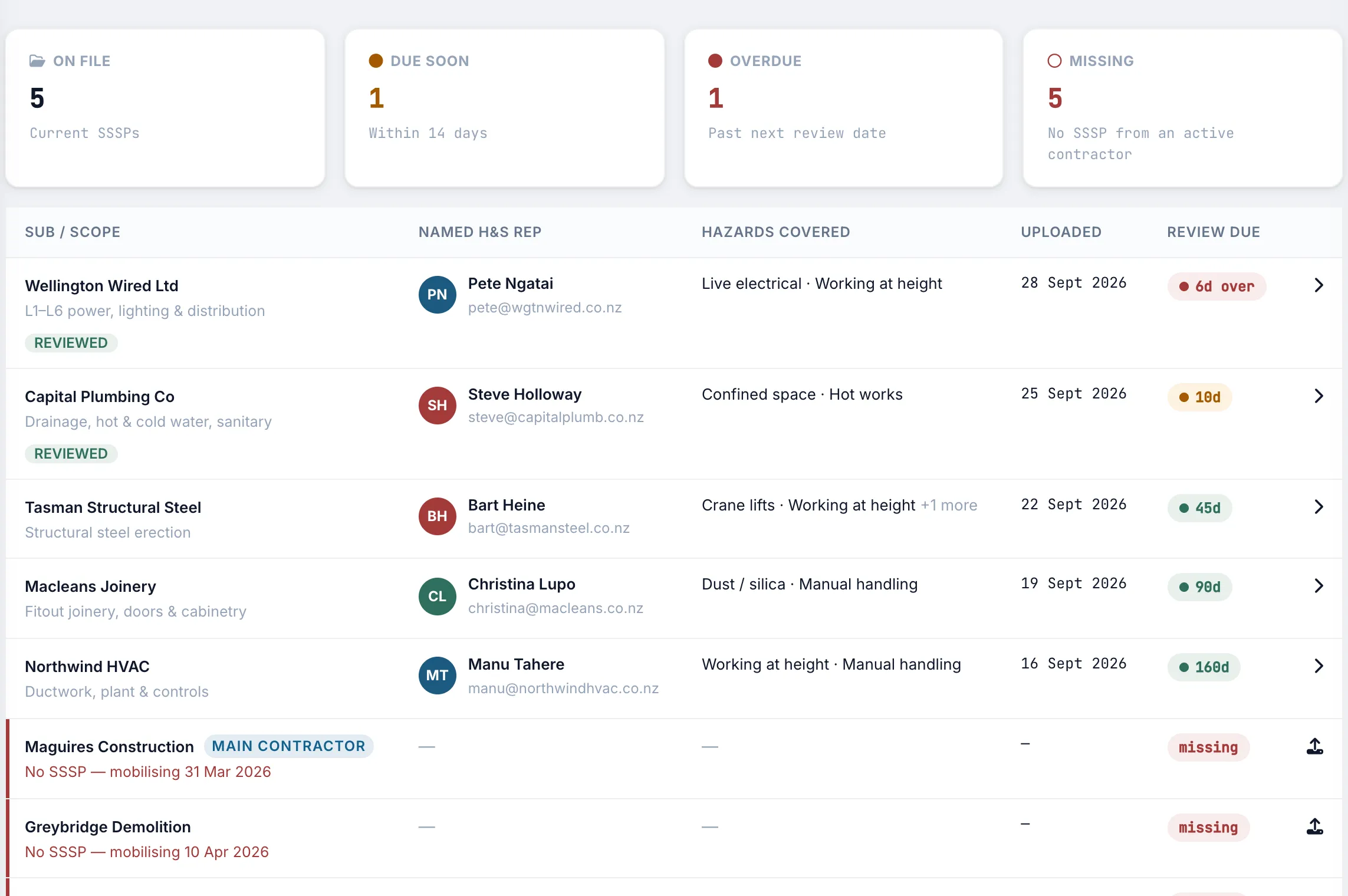
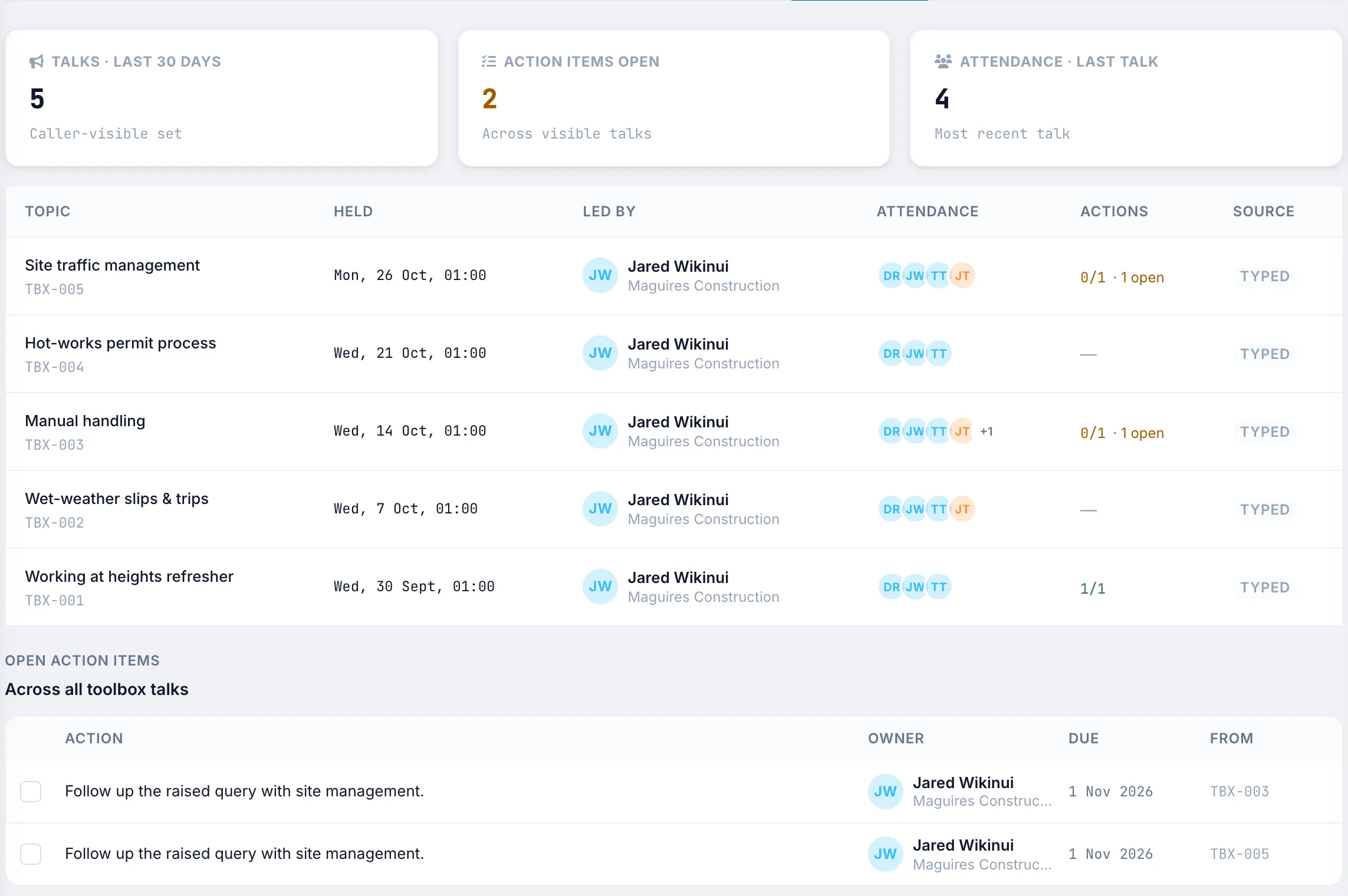
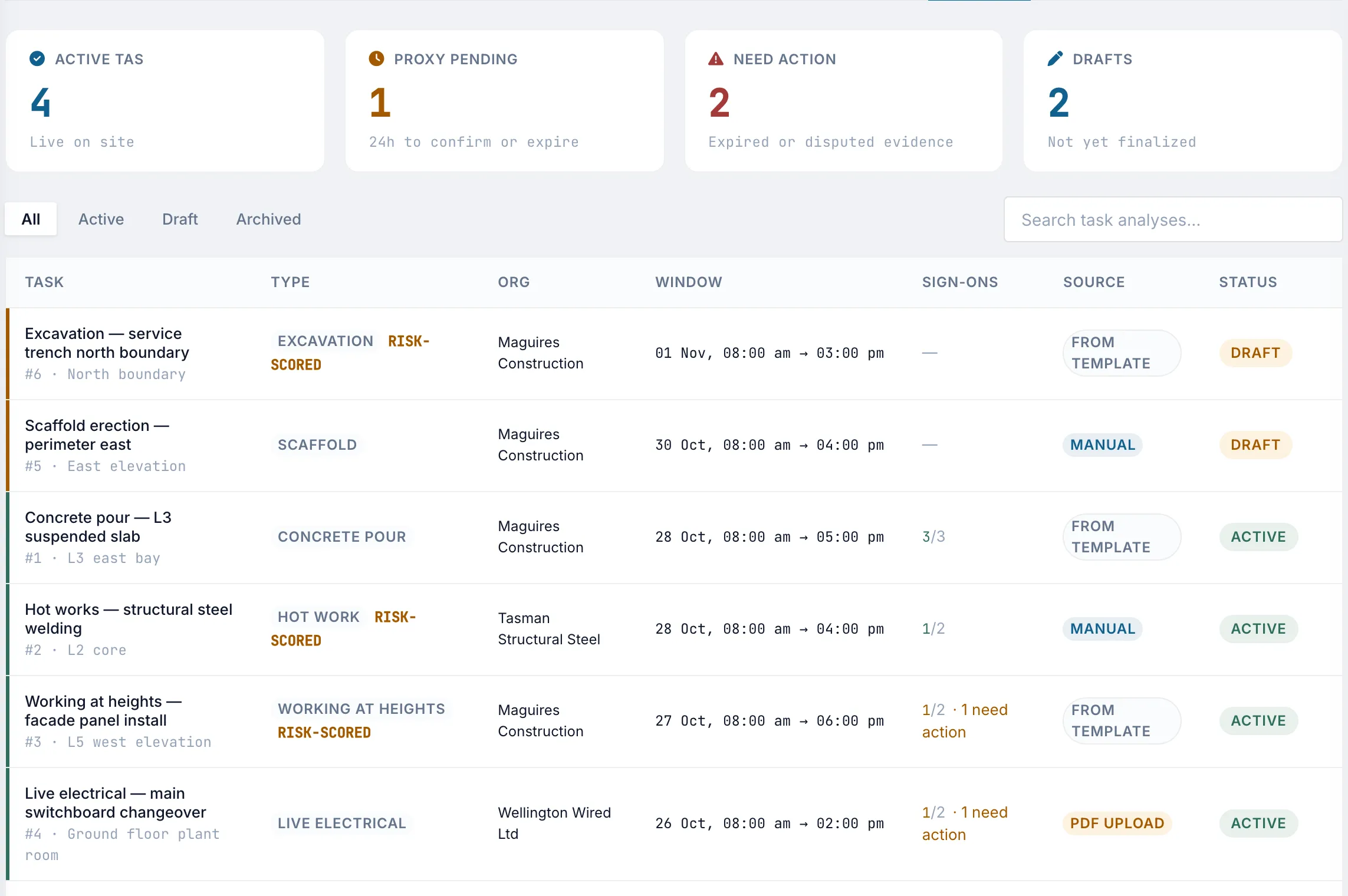
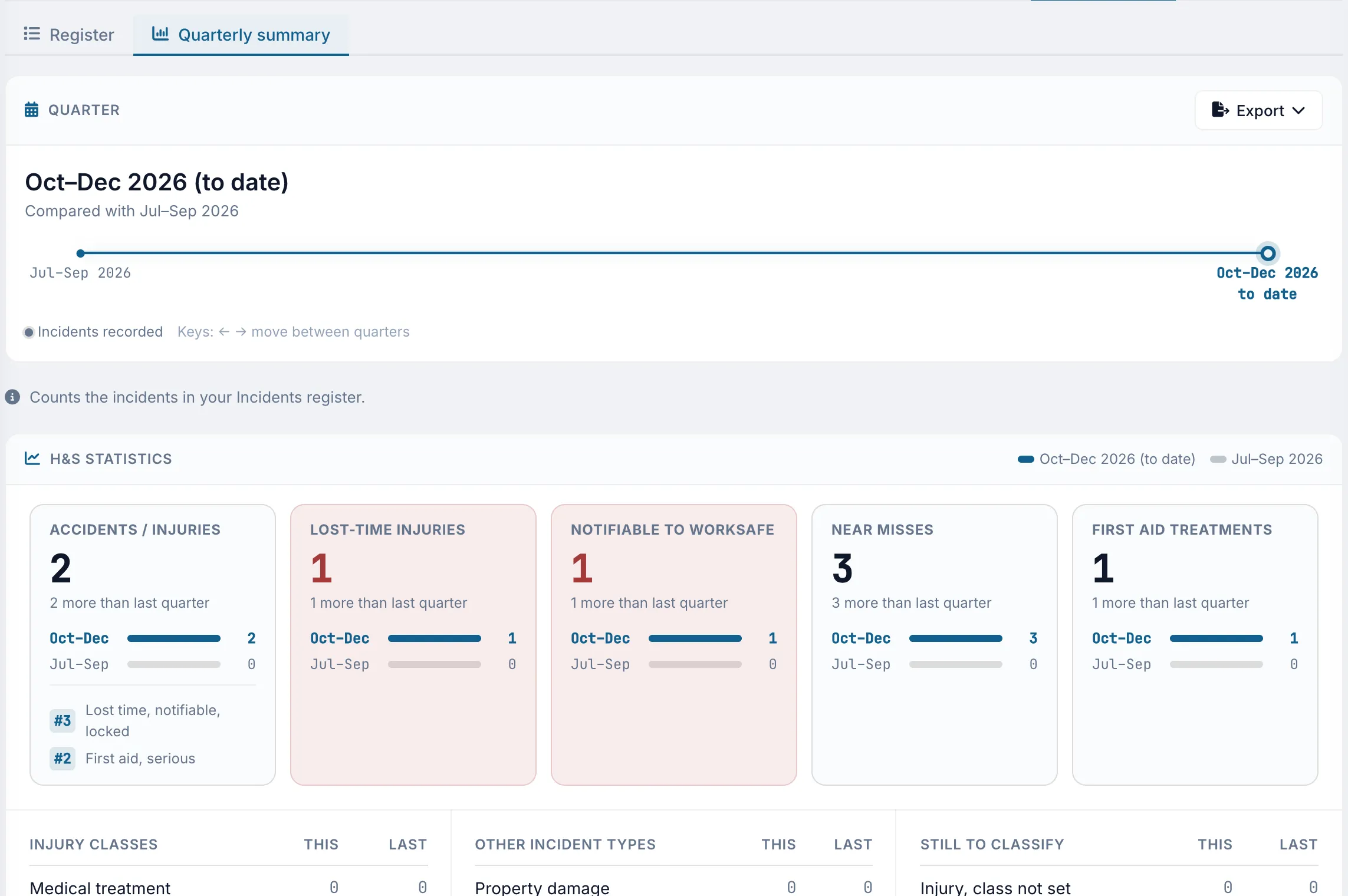
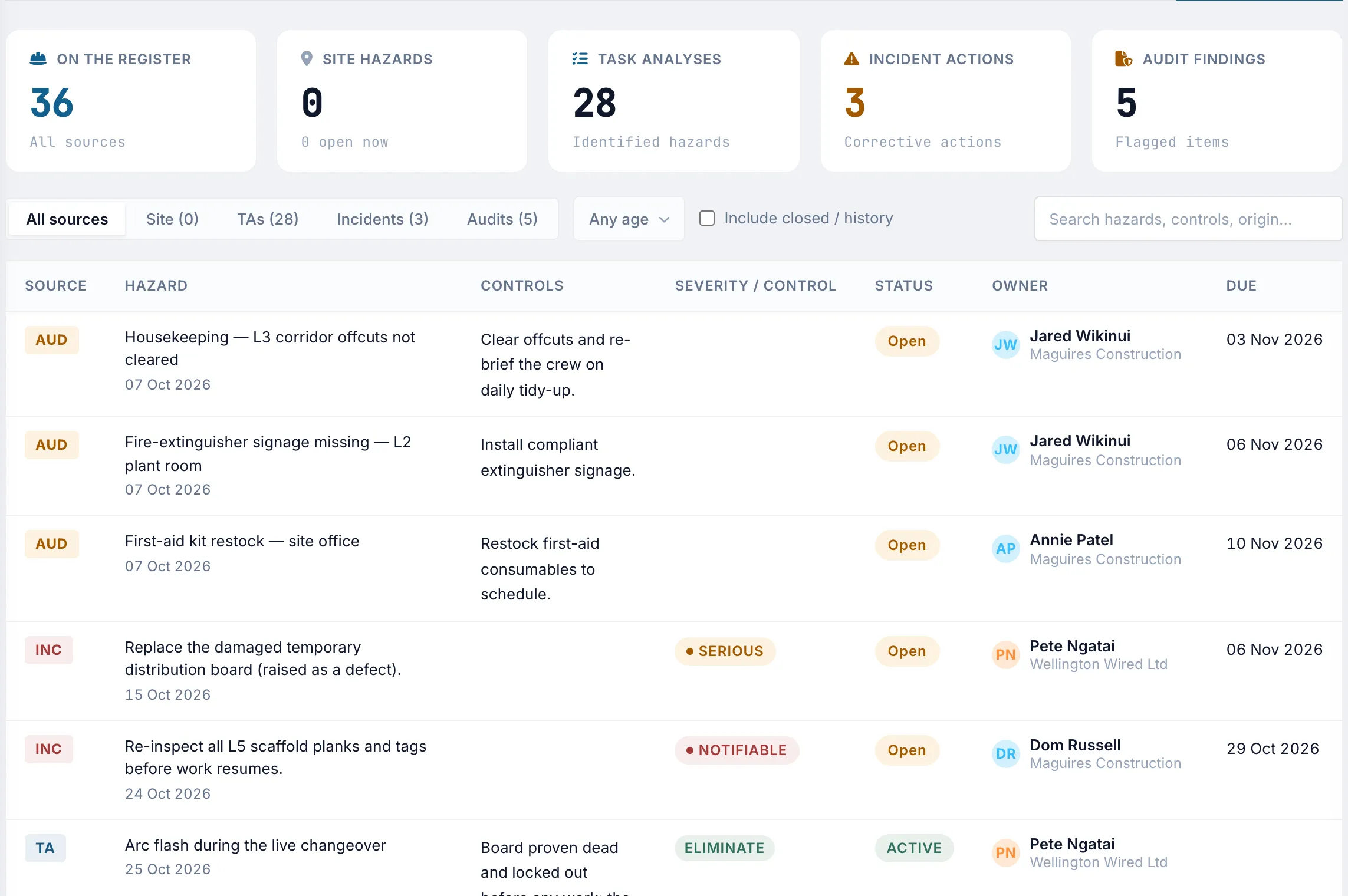
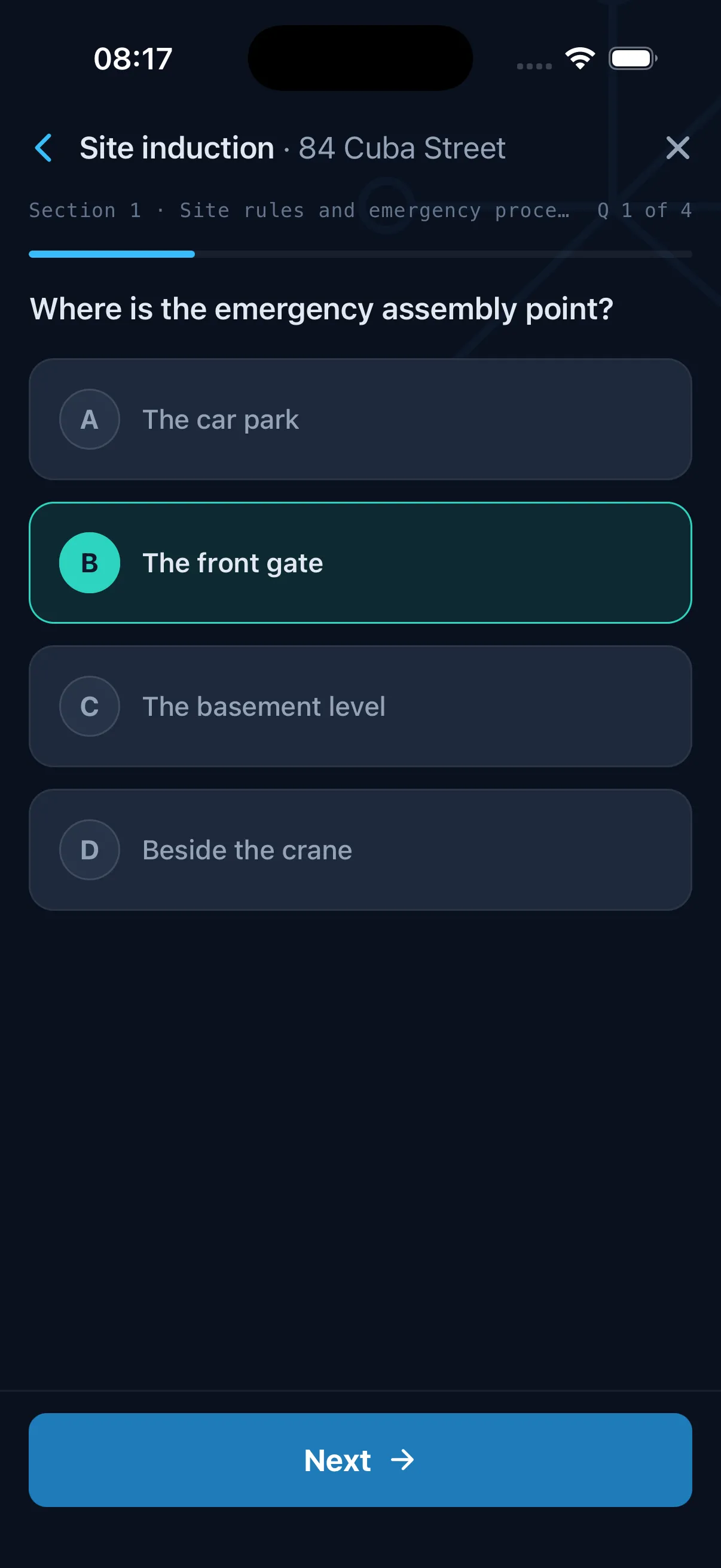
Keep inductions, site attendance, toolbox talks, task analyses, SSSPs, incidents, and hazards in Truvect. The AI reviews uploaded audits and plans, provides a score, and creates actions with owners and due dates from identified findings.


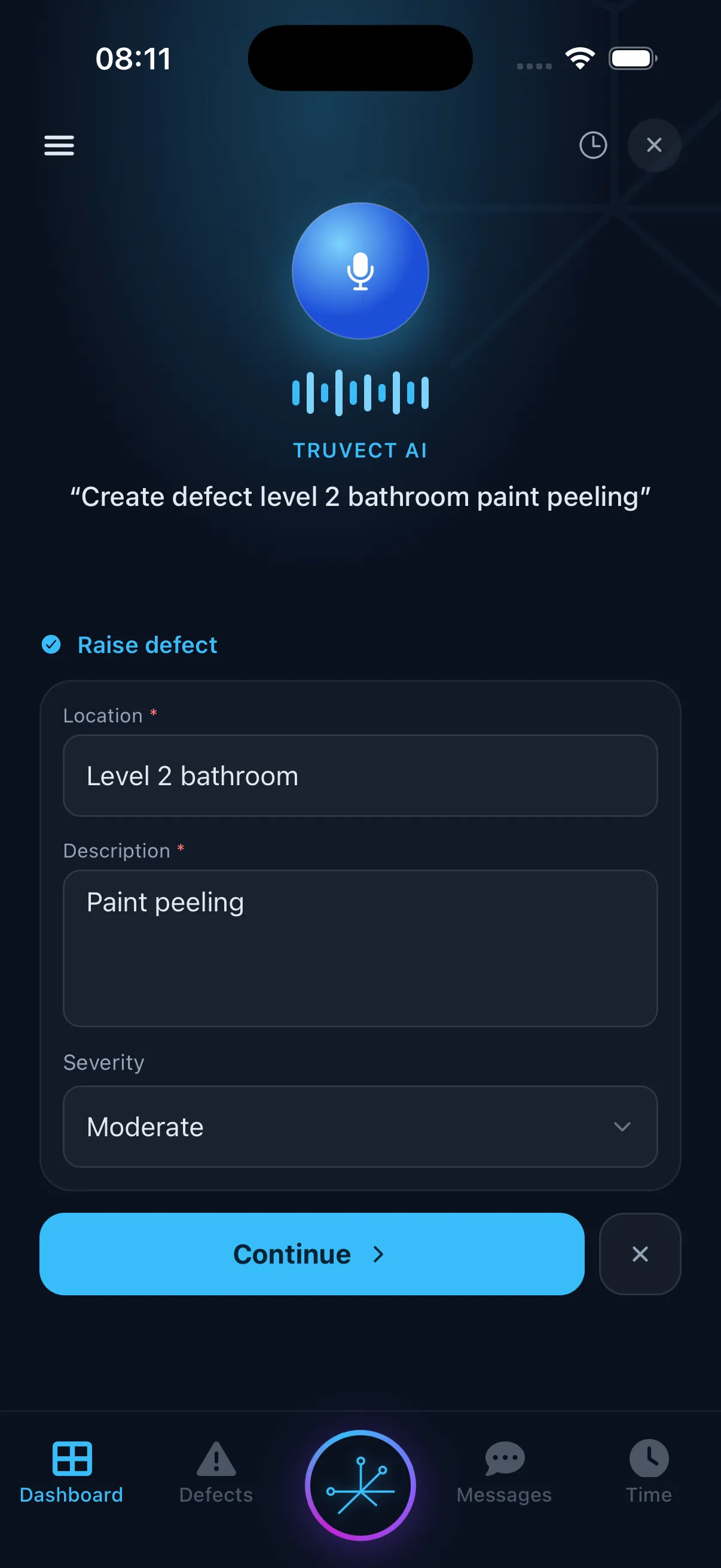
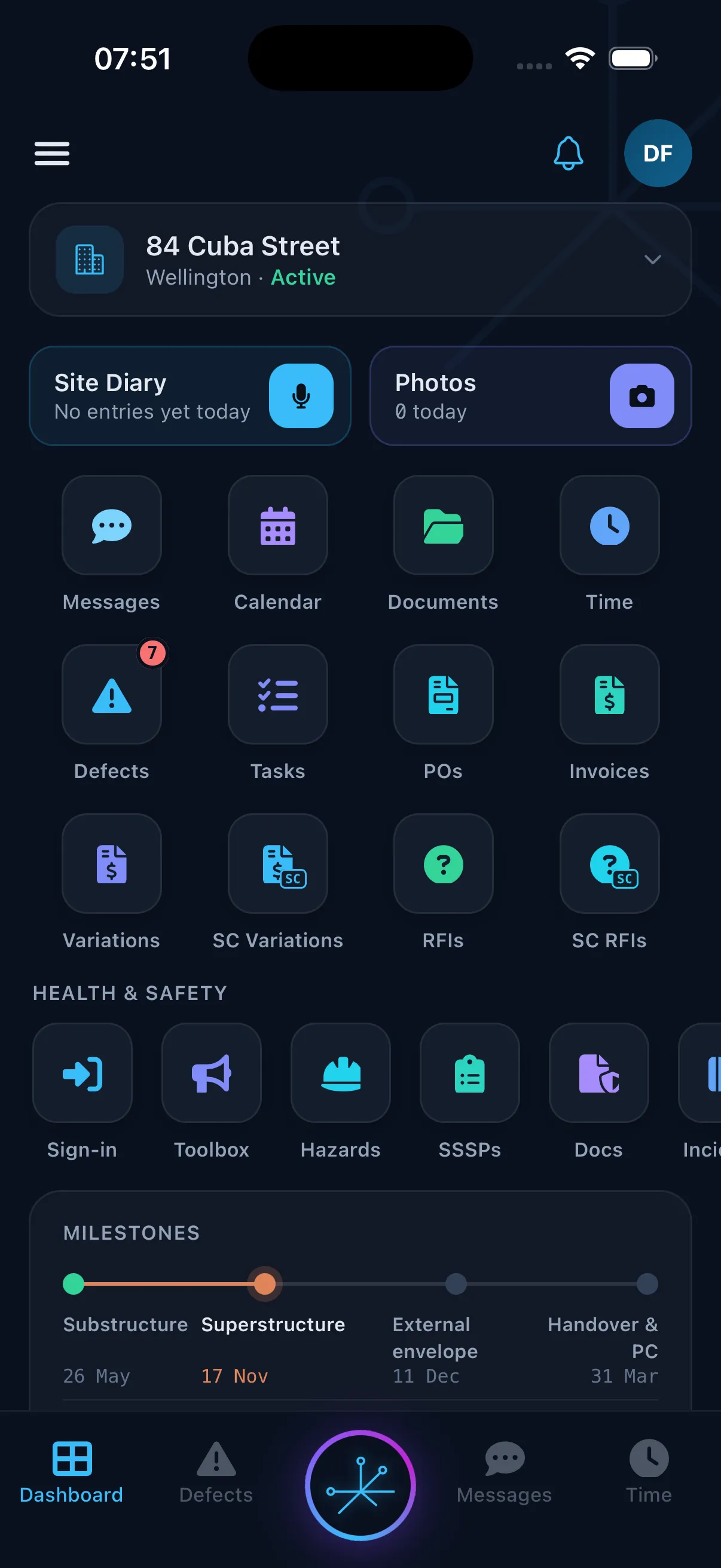
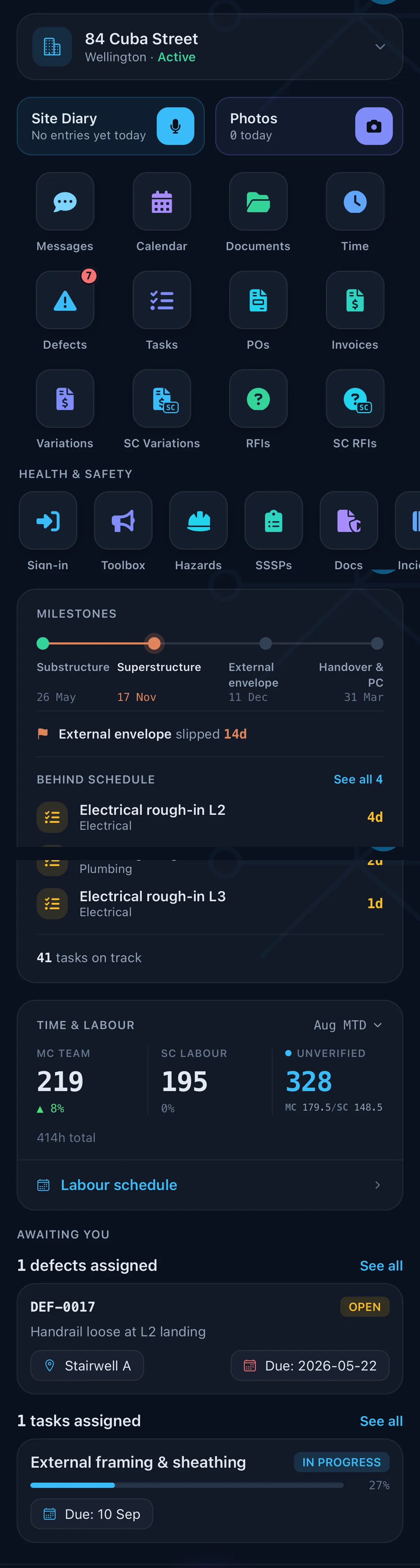
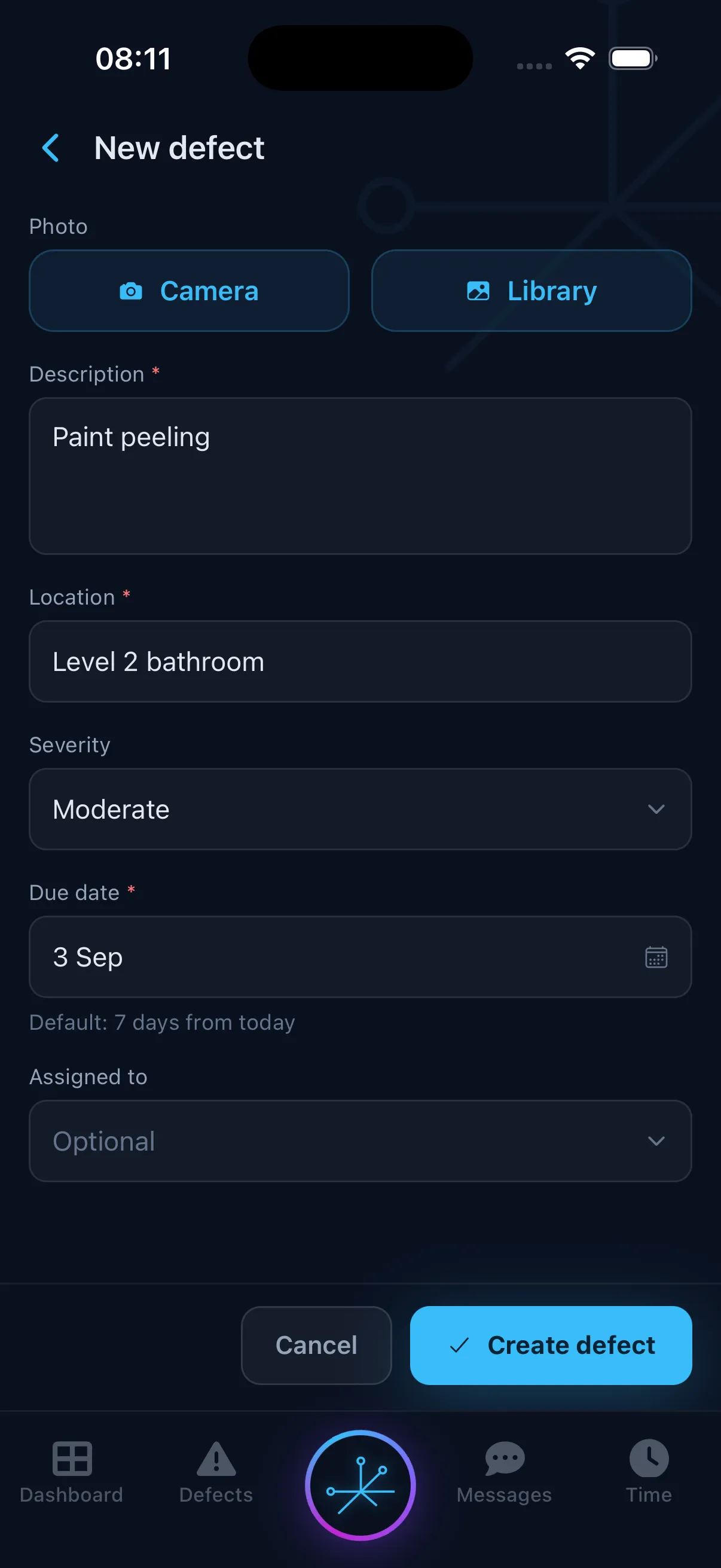
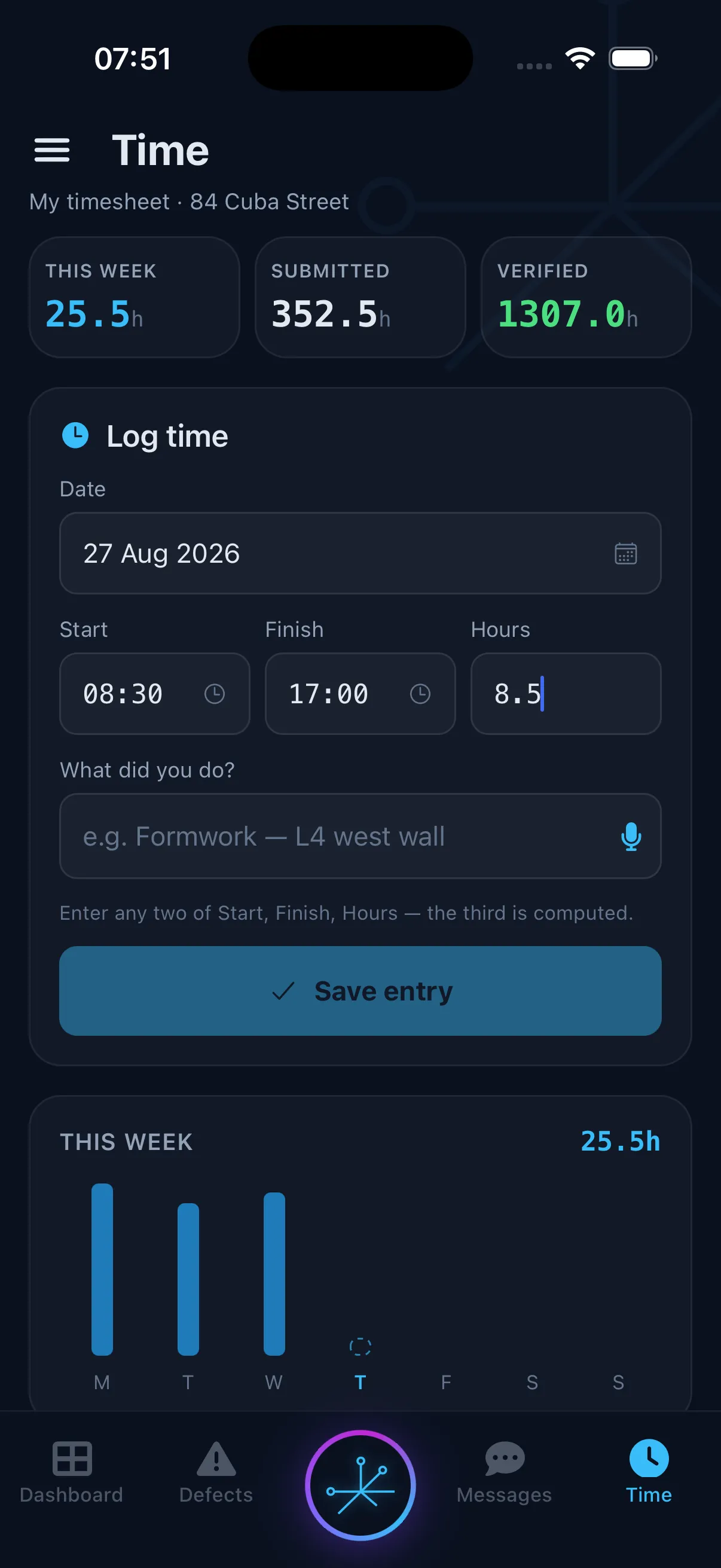
Use the mobile app to raise defects, log hours, complete inductions, view drawings, and add site photos. Spoken or typed instructions can create a draft project record for review. Saved updates are available to the office straight away.


Post approved invoices to Xero, sync the document library with SharePoint, and import takeoffs from Autodesk Forma. Jobpac and MYOB integrations are coming soon.
Feedback from clients, quantity surveyors, foremen, and project managers using Truvect on live projects.
Truvect has made a real difference to how we run our projects. It’s a pleasure to use, and getting the team up and running was a lot easier than expected. Having our project information and communication in one place means less time chasing updates and a much clearer picture of where things stand. The AI is particularly useful for finding answers quickly and taking the legwork out of everyday admin. We’re better organised, making decisions faster and spending more time moving projects forward. Truvect is a real game-changer.

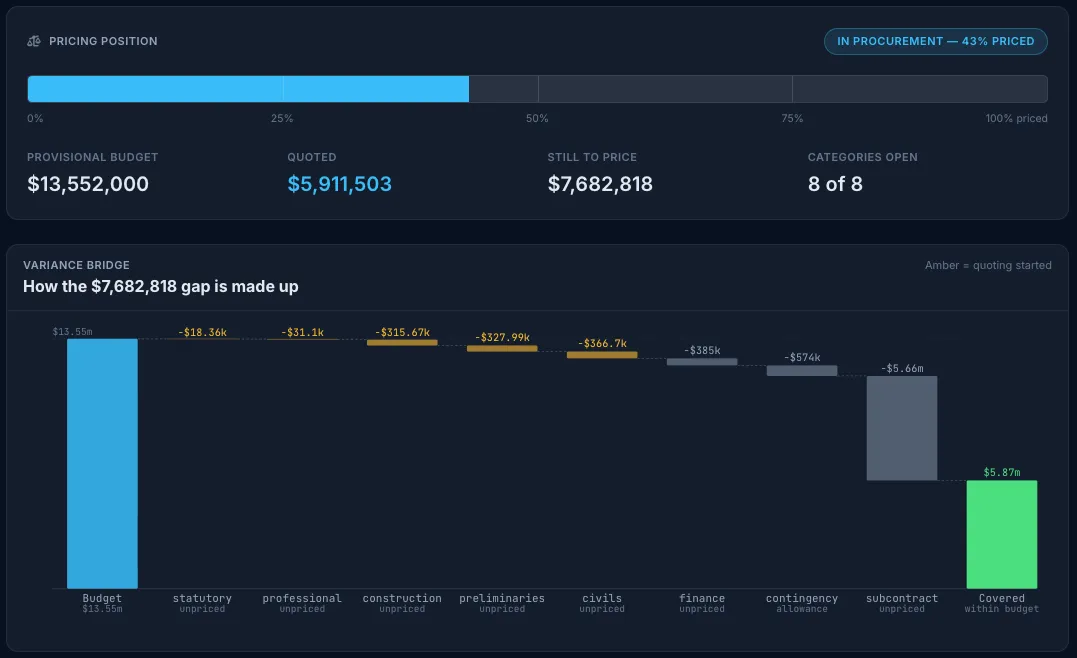
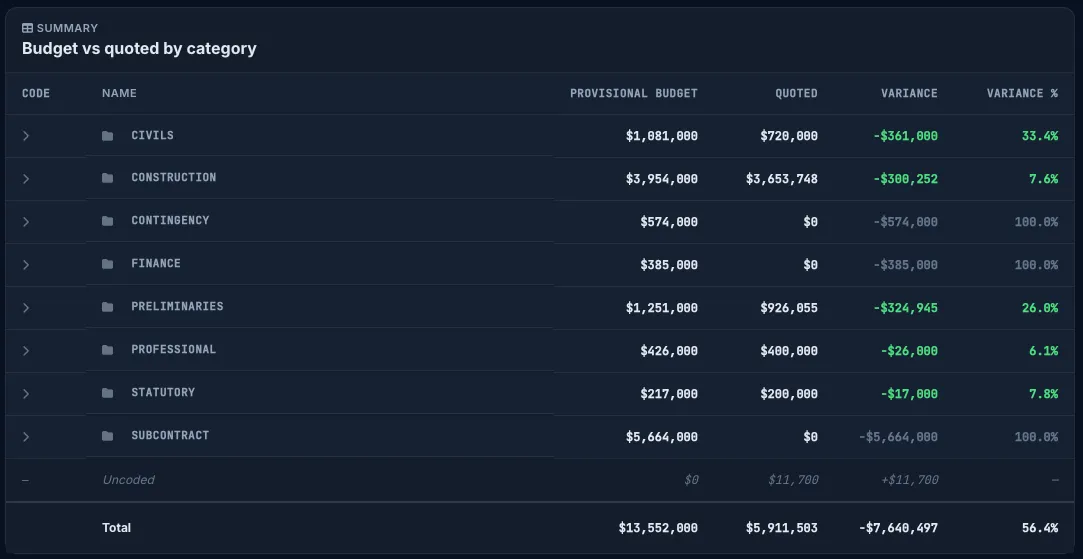
Truvect is so intuitive and fast. What took me weeks to learn and set up in Procore has been straightforward in Truvect, even though I was already partway through a project. I can clearly see where the budget stands, which quotes are missing and where we’re over or under. Everything is so easy to find and it’s a joy to use in comparison. It honestly feels like magic. It’s made managing the numbers so much easier and more efficient.

Just a quick note to share my appreciation for how user-friendly your construction work platform is. Having used both Aconex and Procore in the past, I often found myself struggling with their navigation and day-to-day usability. Truvect, by contrast, is clean, intuitive, and far easier to work with. It has genuinely streamlined the way I manage project information.
As a client, Truvect has transformed how we can observe our projects remotely. It's always live and shows so much info that we'd usually have to ask for.

The claims process is slick and intuitive, and with the smart usage of AI, it has the best PO to invoice to code handling I've seen.

I've been using Truvect on site and it's made a massive difference. It's dramatically cut down my admin time. The AI features are a standout. It's totally streamlined how I run jobs.

Truvect puts everything I need to run the project at my fingertips, as well as offering insights that keep the team at the top of their game.

Book a 30-minute demo and we'll walk you through Truvect on a project like yours. There's no commitment. It's a chance to see if it's a fit.
This is the most cohesive and complete project and financial management tool I have ever seen.
Thanks. We'll contact you within one working day to set a time for your demo.